{success} Availability: POS and Scanner roles are available in Webworks Co . The POS, Scanner & Manager role is exclusive to Webworks Co FullyLoaded.
POS, Ticket Scanner & Event Manager Roles in Webworks Co & Webworks Co FullyLoaded
Create separate user groups with limited access—POS (Point of Sale), Scanner, and Manager (sub-organizers)—in your Webworks Co & FullyLoaded Laravel event management platform. Empower your event team to manage bookings, check-ins, ticket sales, and event operations efficiently and securely.
POS, Scanner, and Manager are all sub-organizer roles with specific permissions. Organizers can create and assign sub-organizers to specific events, giving them access only to the events they manage. Each organizer can have their own sub-organizers for streamlined event operations.
The Manager role has more privileges than POS and Scanner. Managers can perform all organizer actions on assigned events.
How to Create Sub-organizers (POS, Scanner, Manager)
As Admin:
-
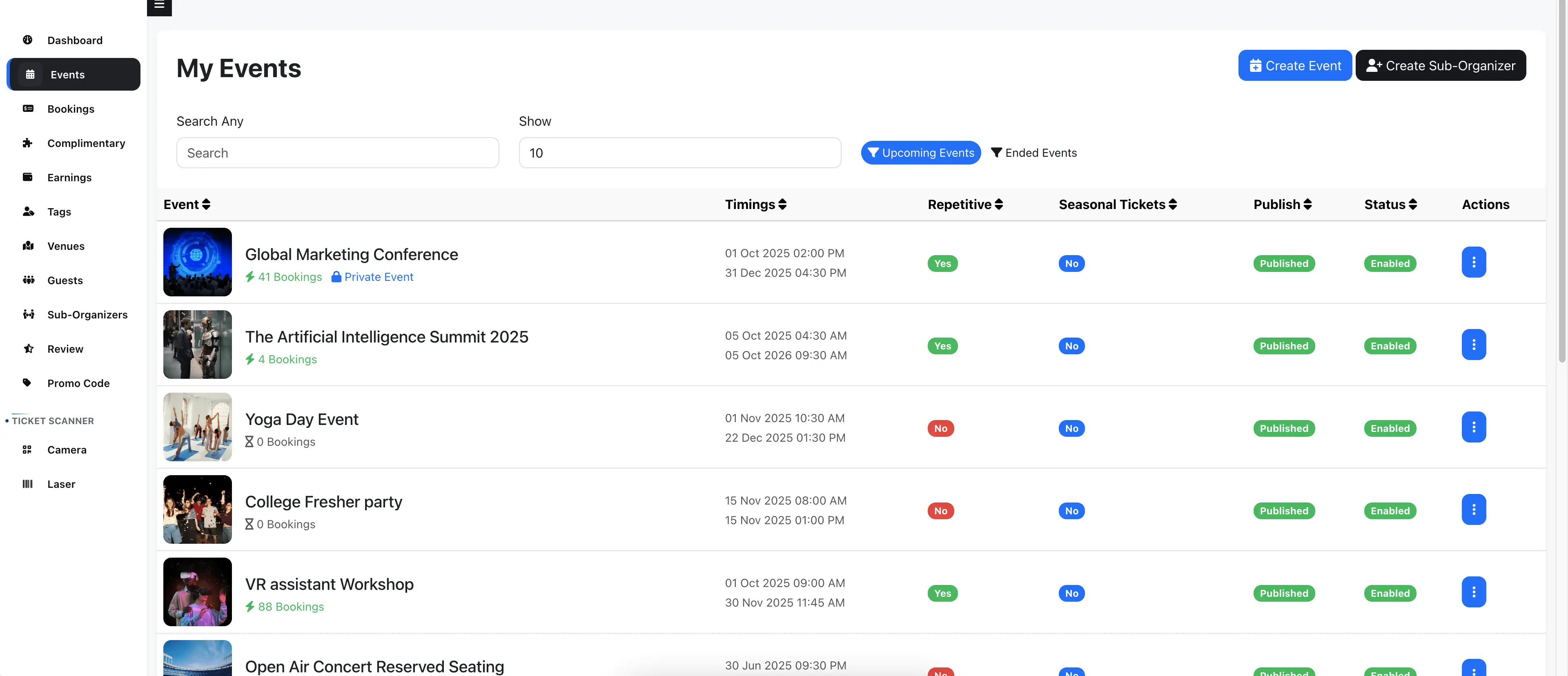
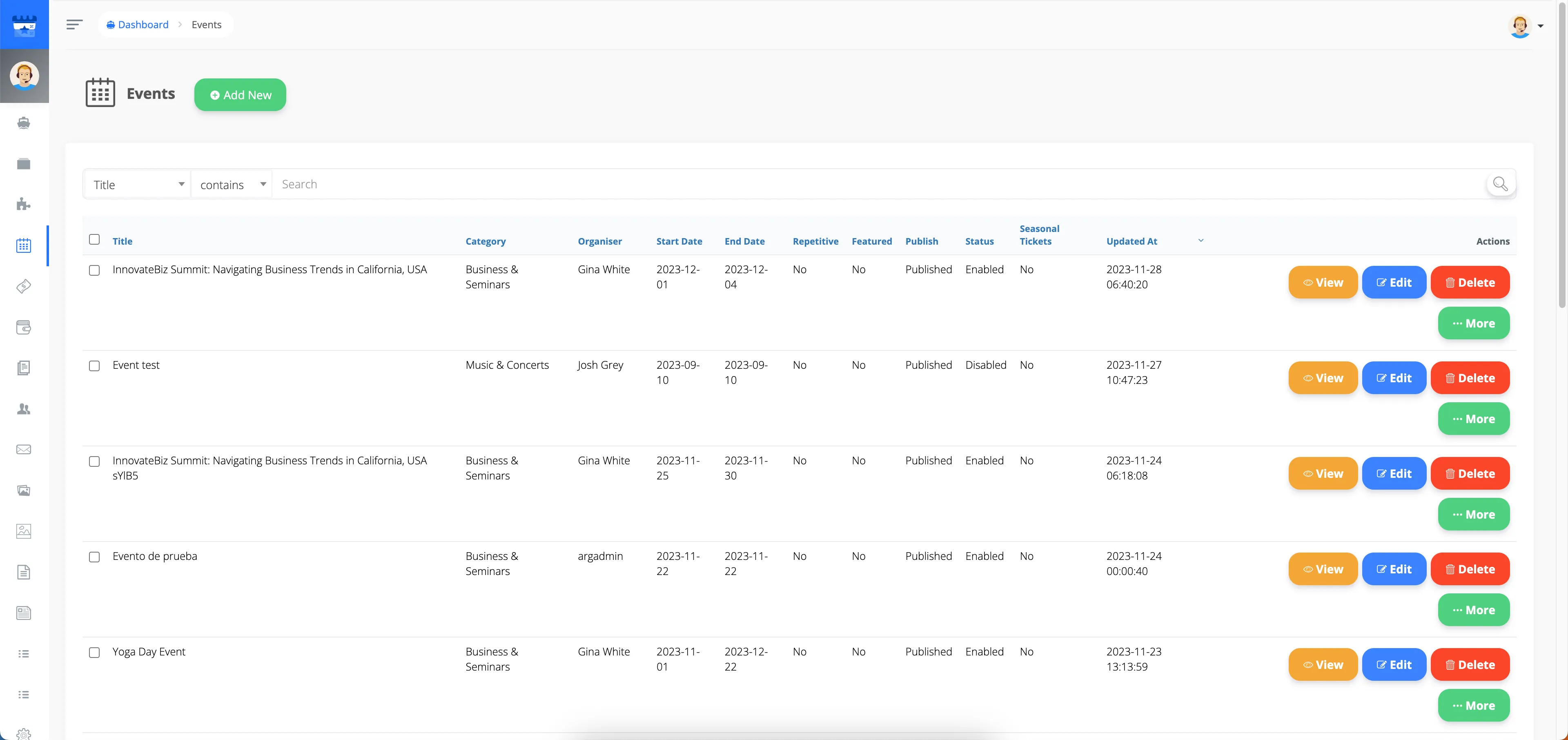
Go to Admin Panel -> Events and click the More button.
-
Select the Organizer from the Organizer Events dropdown for whom you want to create sub-organizers.
-
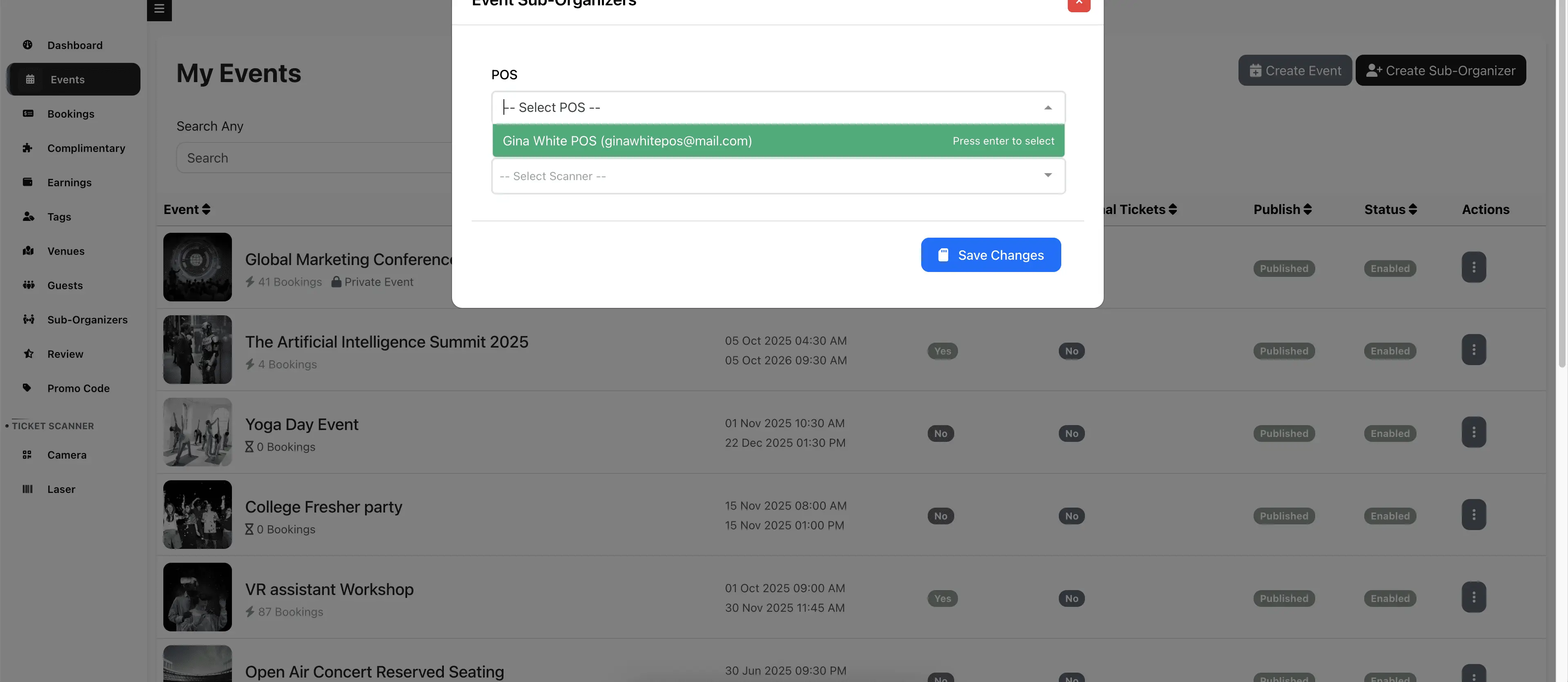
Click the Create Sub-organizer button.
-
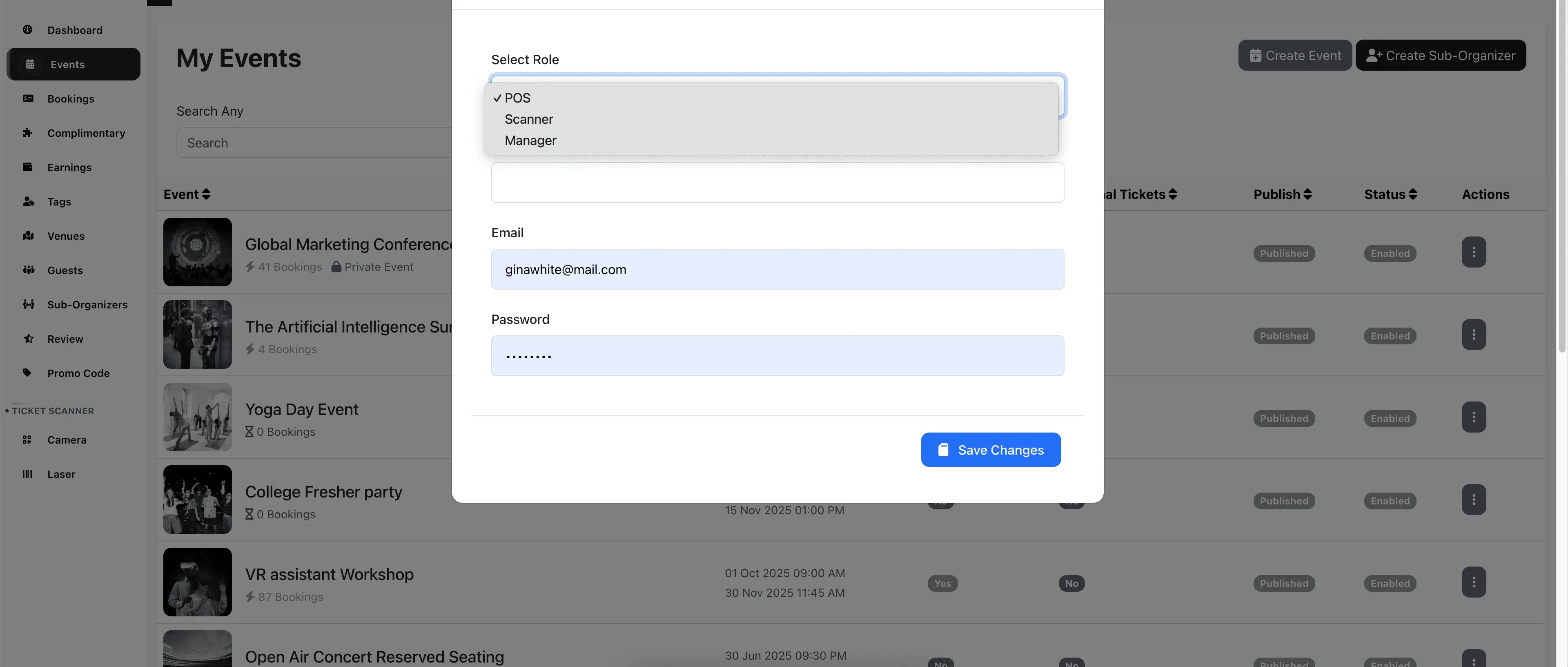
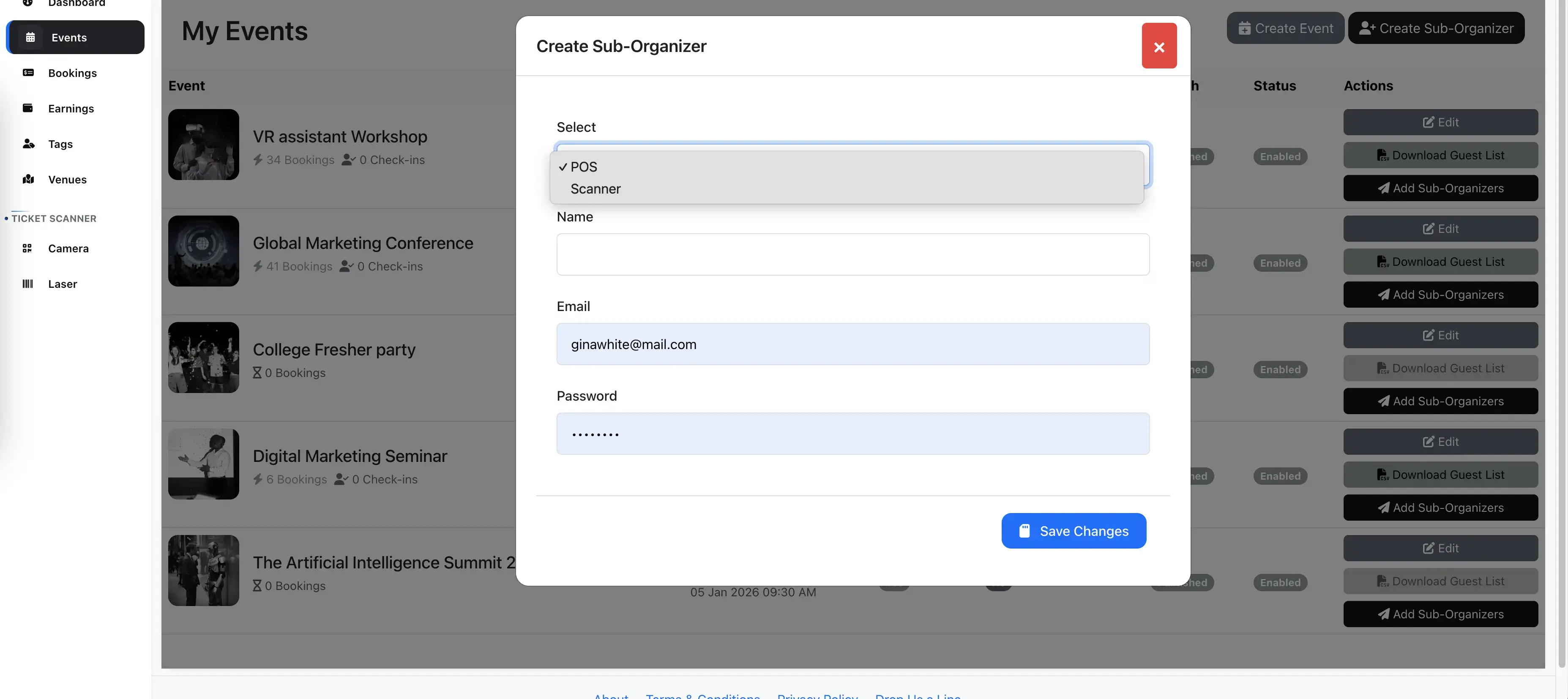
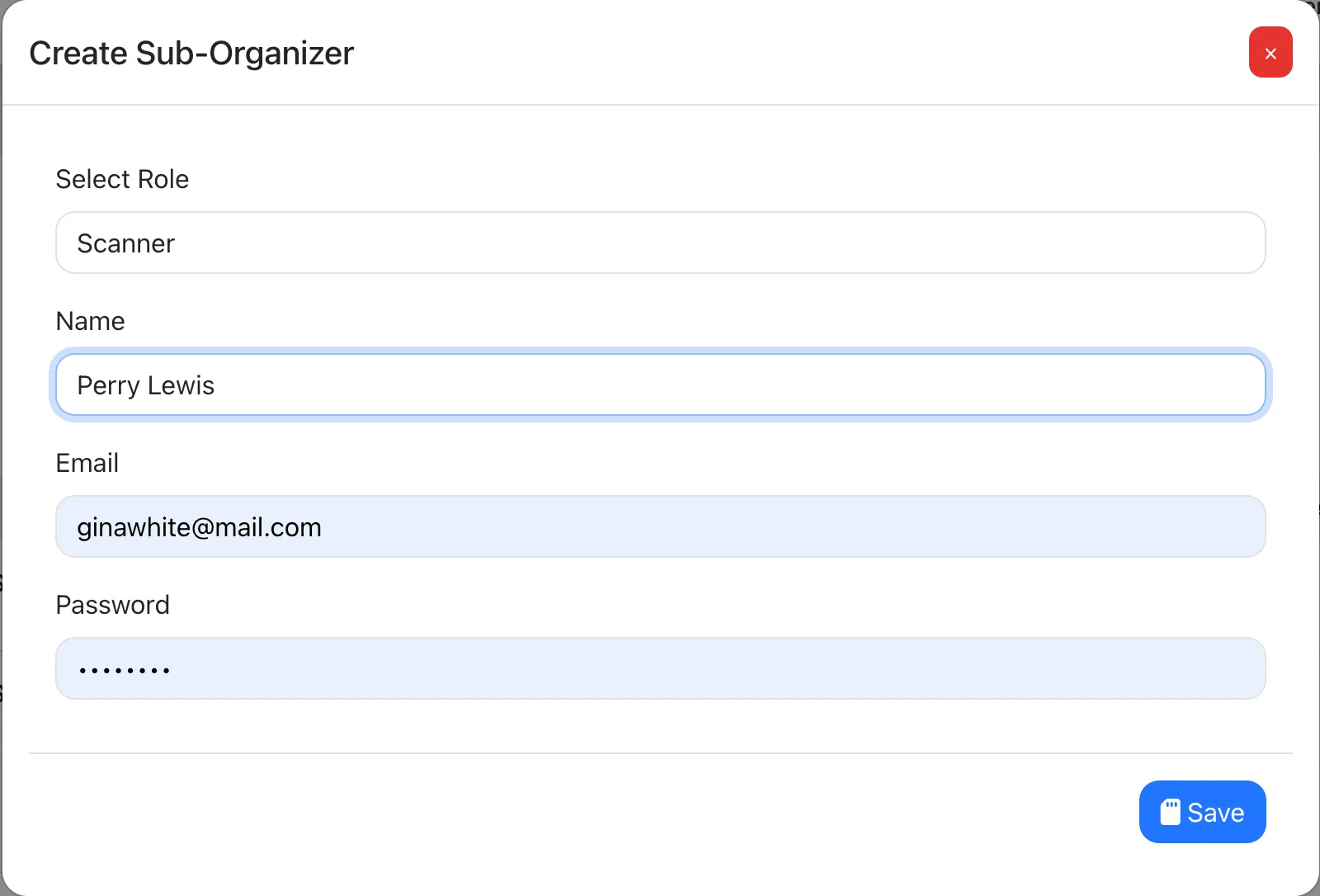
In the popup:
- Select a Role: POS, Scanner, or Manager
- Enter name, email, password, and click Save
-
The new sub-organizer receives a registration email. Provide them the password, or they can reset it via Forgot Password.
As Organizer:
-
Go to Manage Events and click Create Sub-Organizer. Follow the same steps as above.
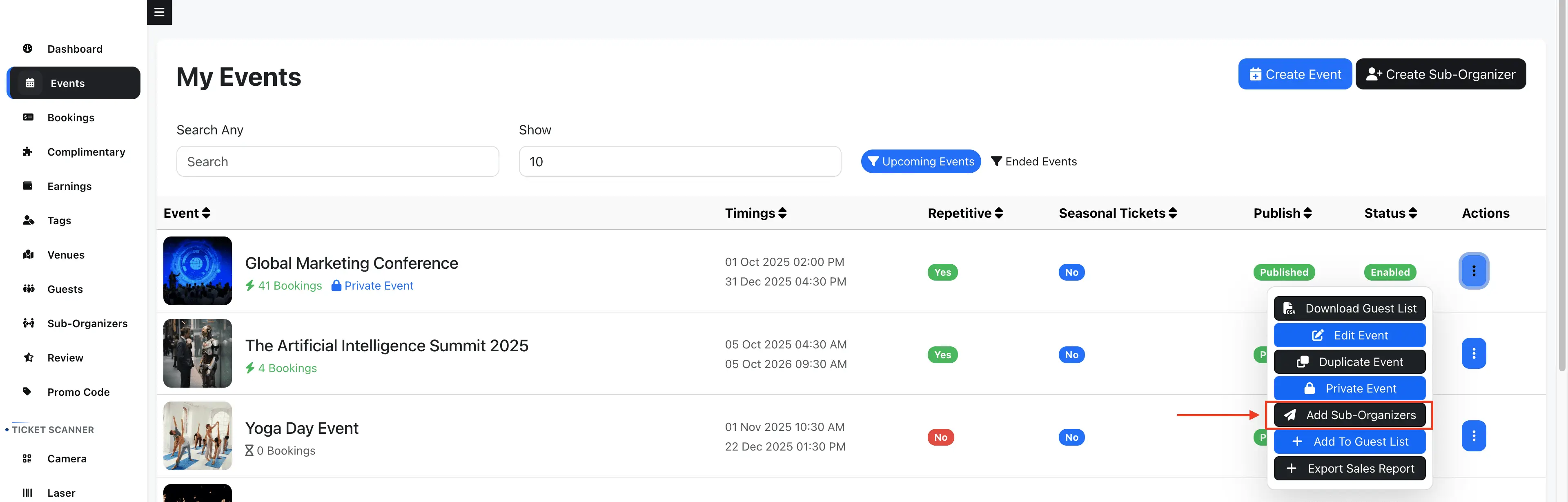
-
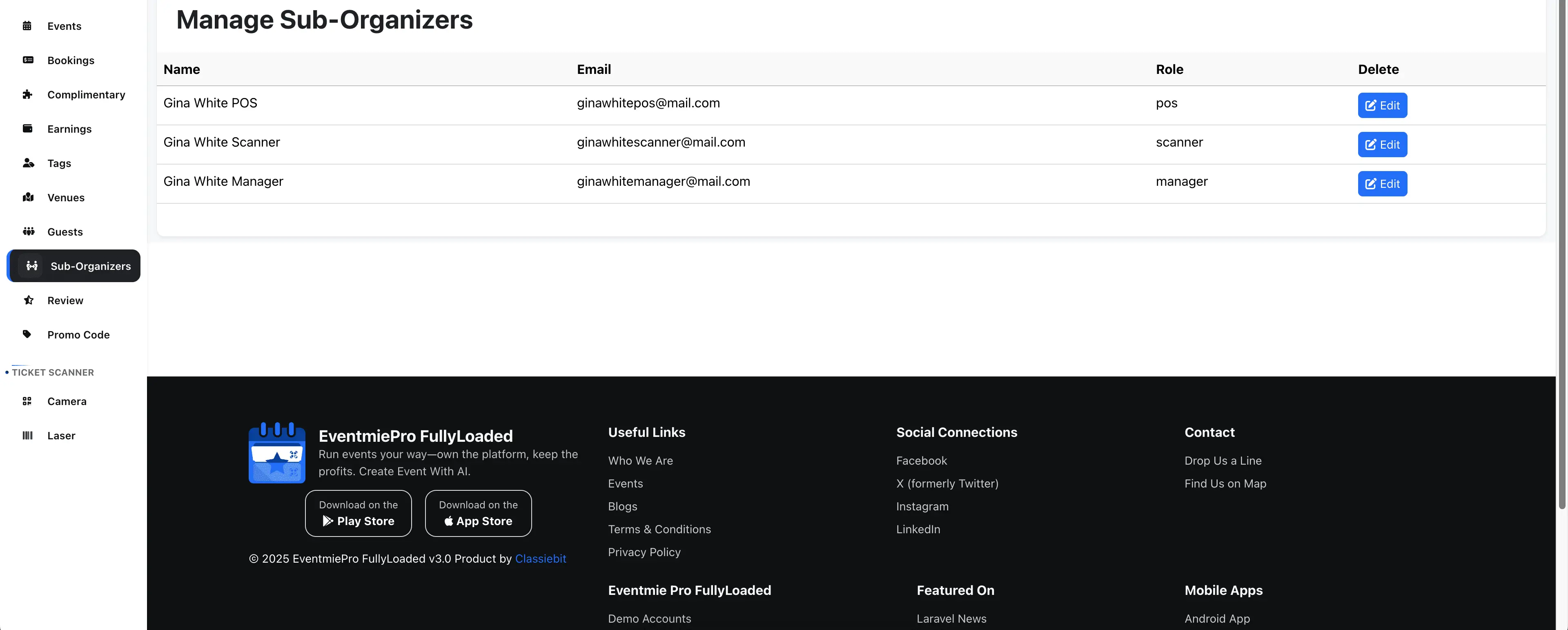
Manage sub-organizers from the Manage Sub-Organizers page.
POS (Point of Sale) Role: Sell Tickets at the Event
POS users can make bookings and sell tickets on behalf of the Organizer at the event entrance. They can manage only the bookings they create, including changing payment status, enabling/disabling bookings, and processing cancellations or refunds.
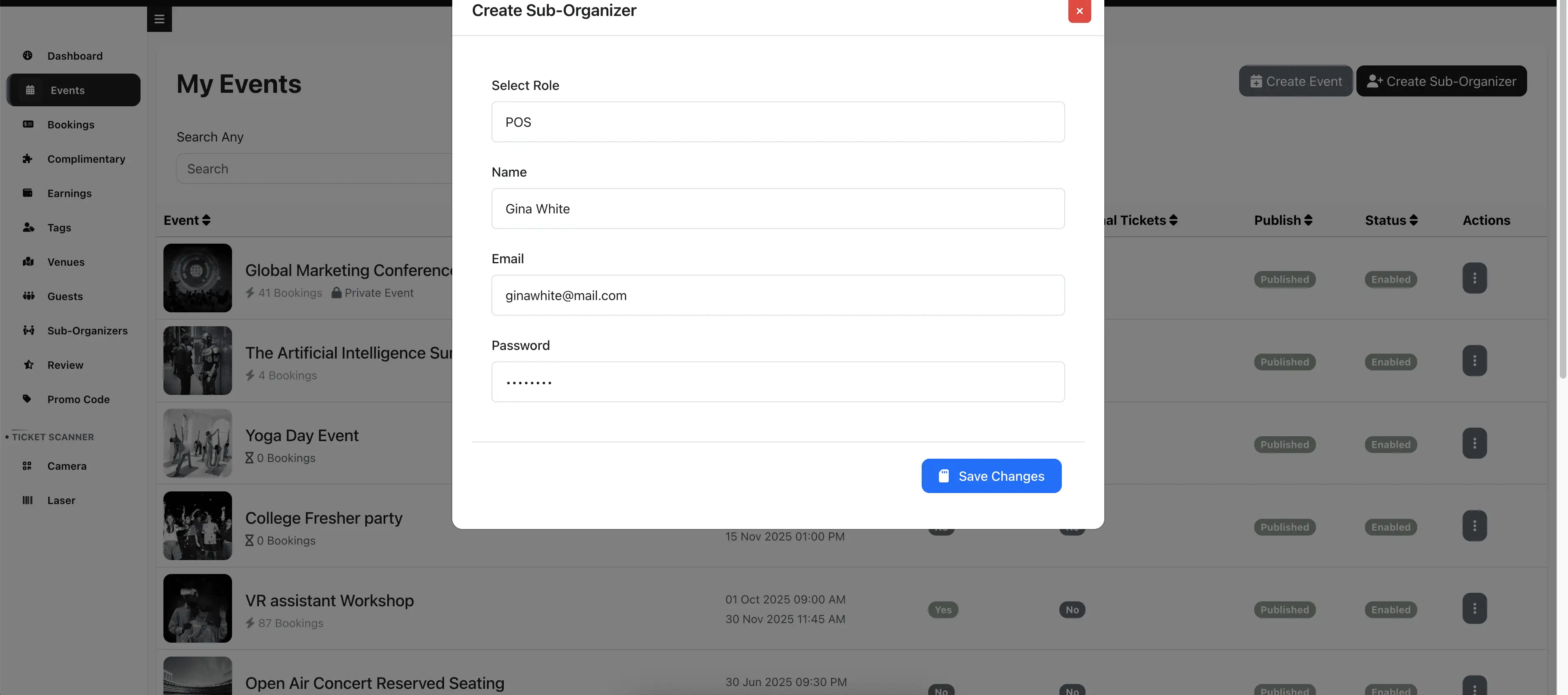
Assigning POS to an Event:
-
Create a Sub-Organizer with the POS role.
-
Click Add Sub-organizers on the event you want to assign them to.
-
In the popup, select POS and click Save.
You can assign multiple POS users to each event. POS can only book tickets for events they are assigned to.
POS Booking Management:
-
POS logs in with their email and password.
-
POS sees only the events they are assigned to.
-
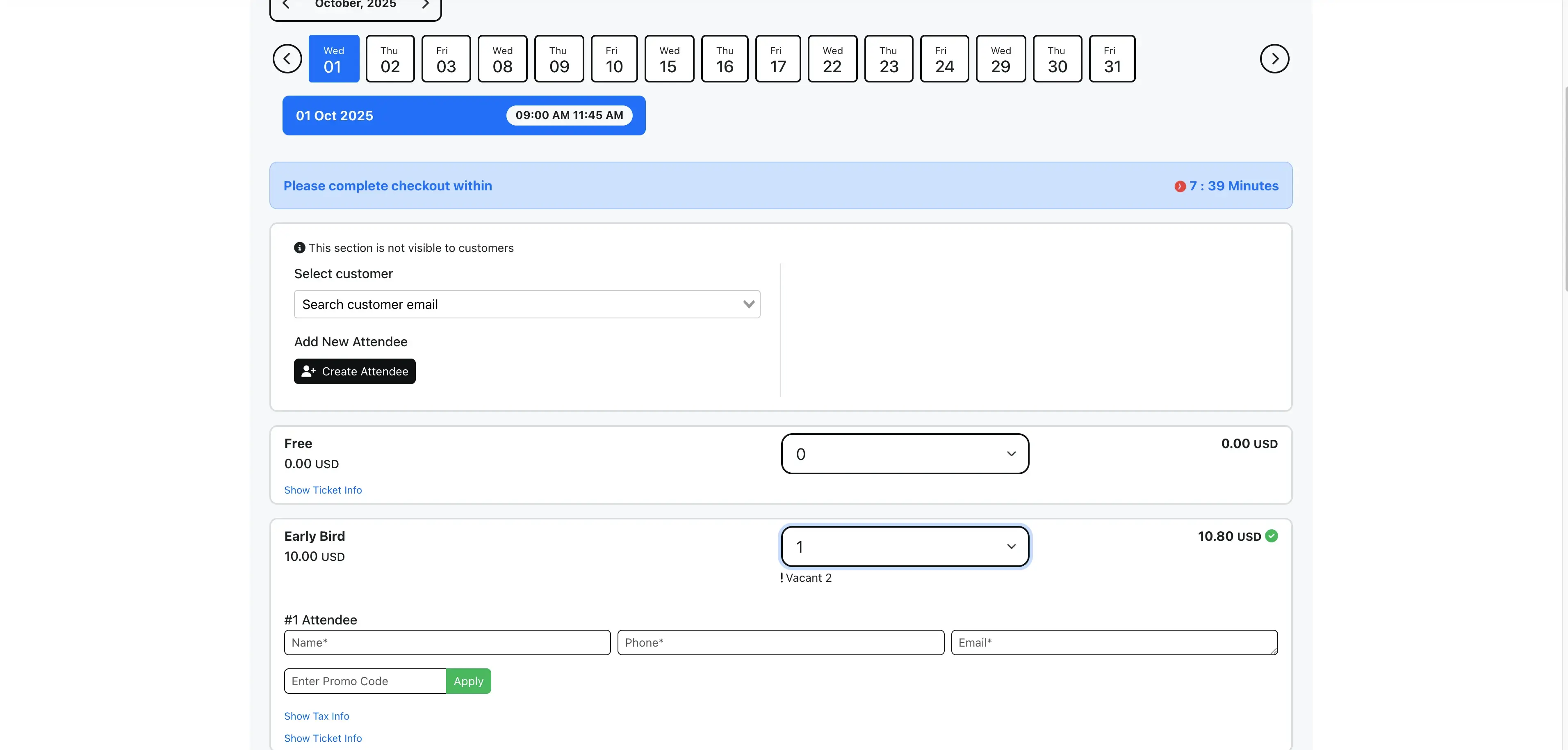
POS can make bookings for customers by entering the customer's email.
-
POS can select the Offline payment method and collect payment offline or via other means.
-
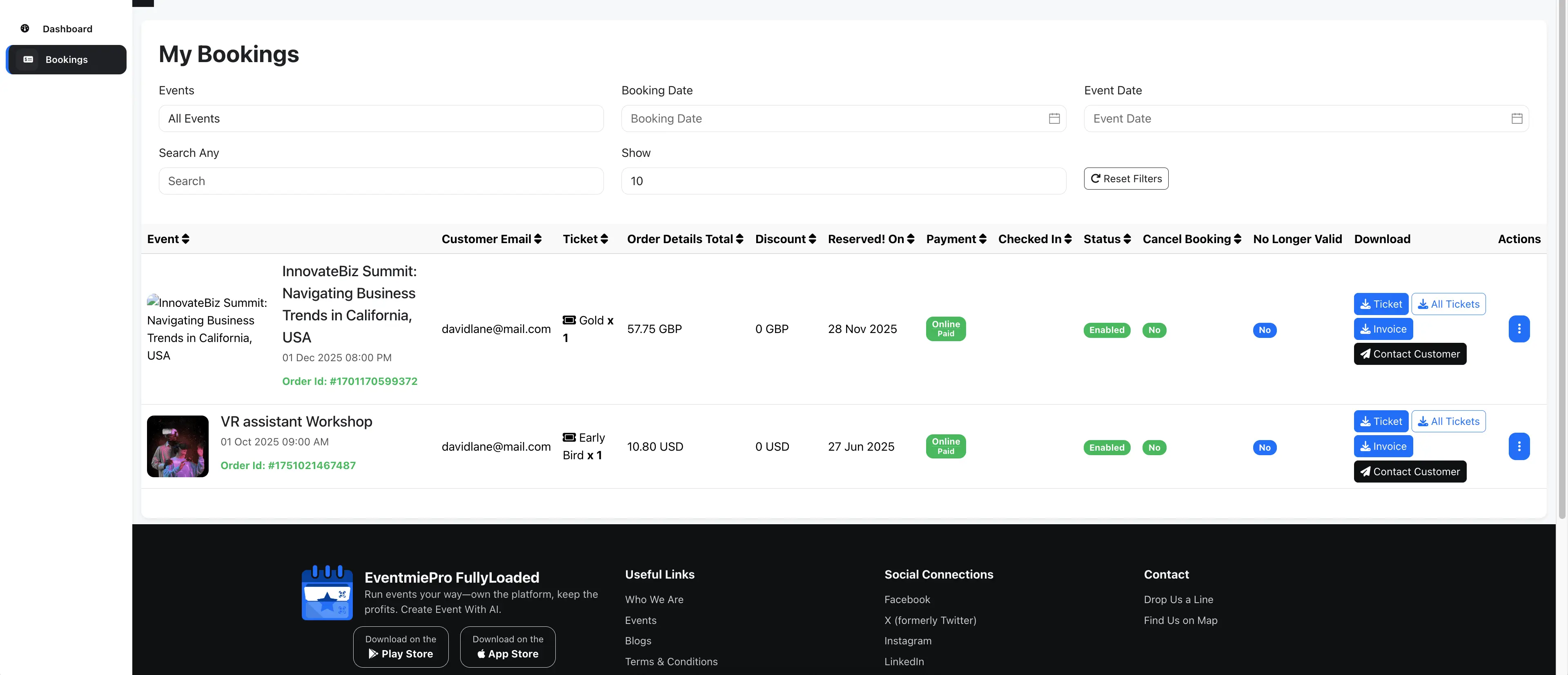
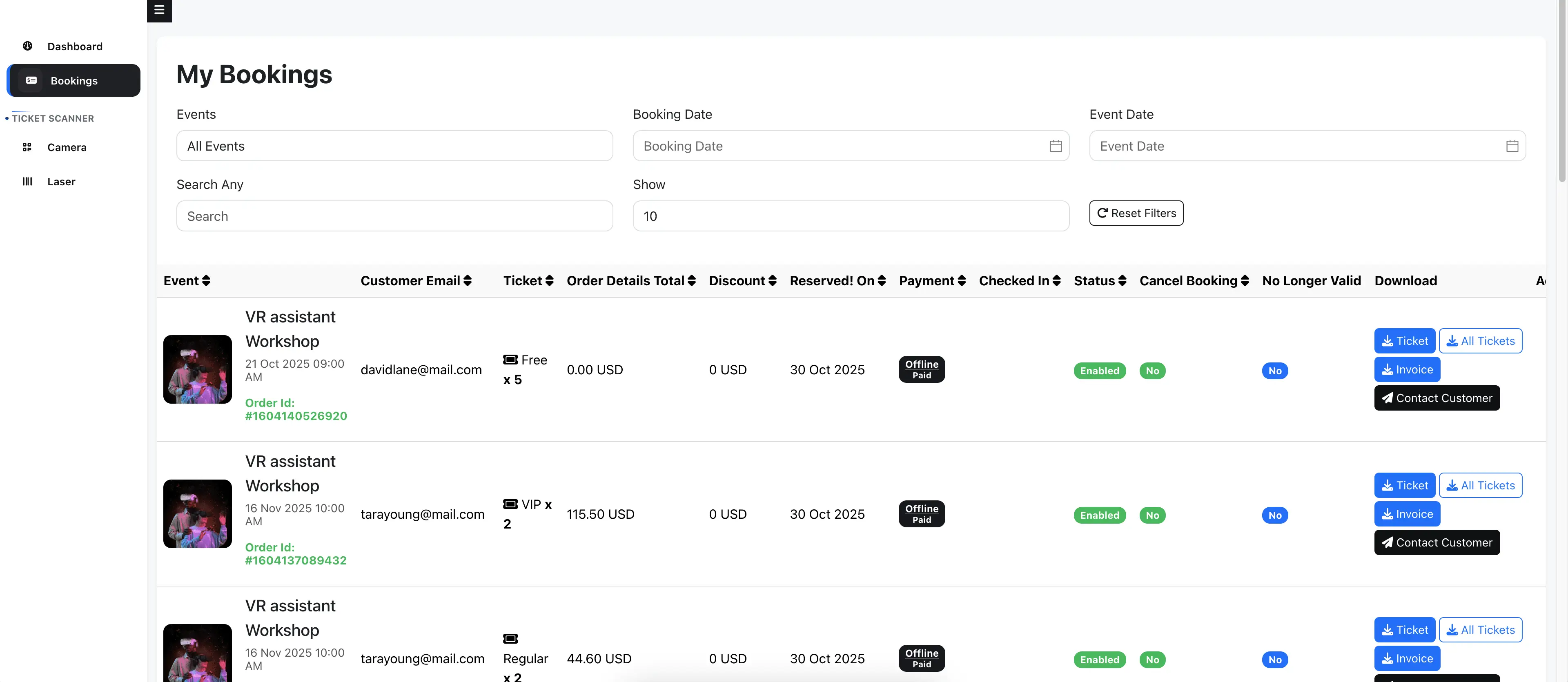
POS can manage all their bookings from the POS Bookings page.
-
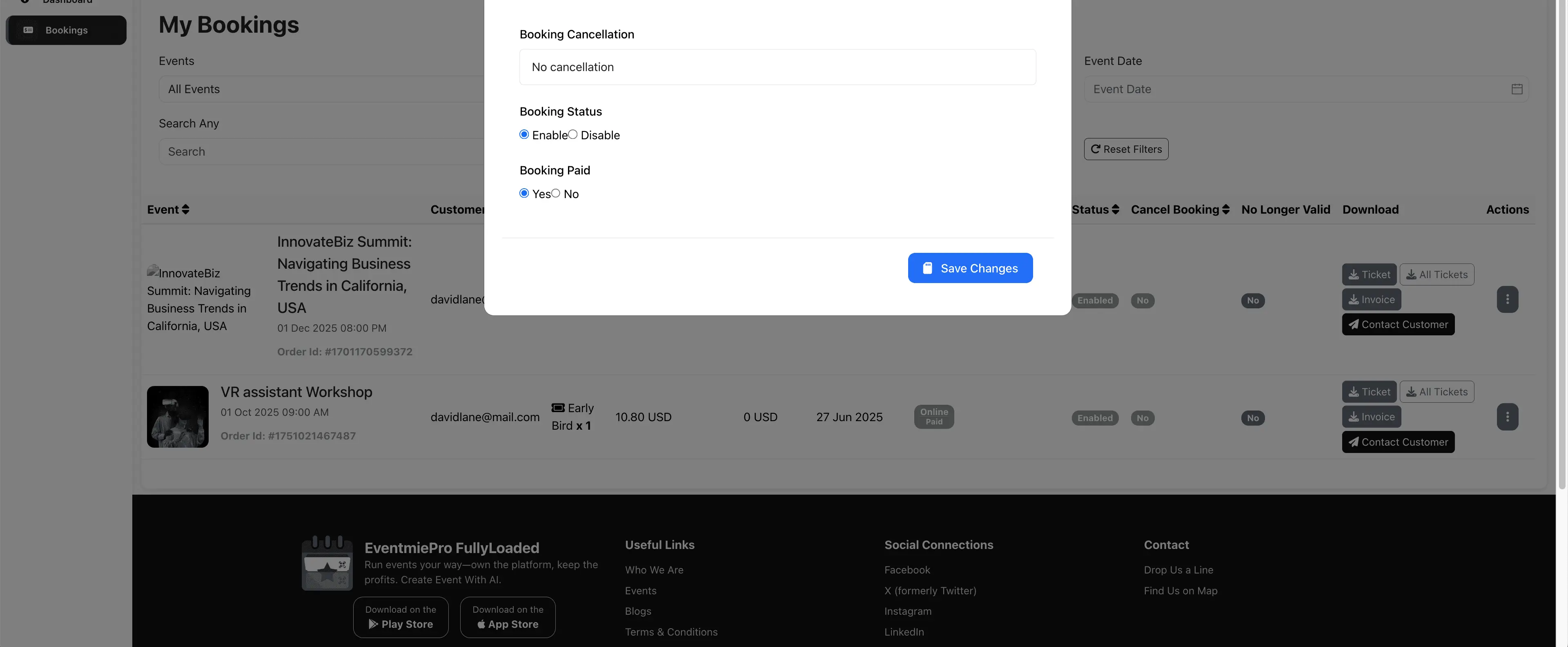
POS can also manage booking cancellations and refunds.
Ticket Scanner Role: Scan & Validate Event Tickets
Scanners can scan tickets at the event entrance and view bookings for tickets they have scanned, helping manage event access and reporting.
Assigning Scanner to an Event:
- Create a Sub-Organizer with the Scanner role.
- Click Add Sub-organizers on the event you want to assign them to.
- In the popup, select Scanner and click Save.
You can assign multiple Scanners to each event. Scanners can only scan tickets for events they are assigned to.
Scanner Booking Management:
- Scanner logs in with their email and password.
- Scanner can only scan tickets for assigned events.
- Scanner can view all bookings they have scanned from the Scanner Bookings page.
Event Manager Role: Full Access Sub-Organizer
Managers have full access to all organizer features for assigned events. This unlimited access account allows managers to handle every aspect of event management on behalf of the organizer.
{warning} The Manager role is only available in Webworks Co FullyLoaded.
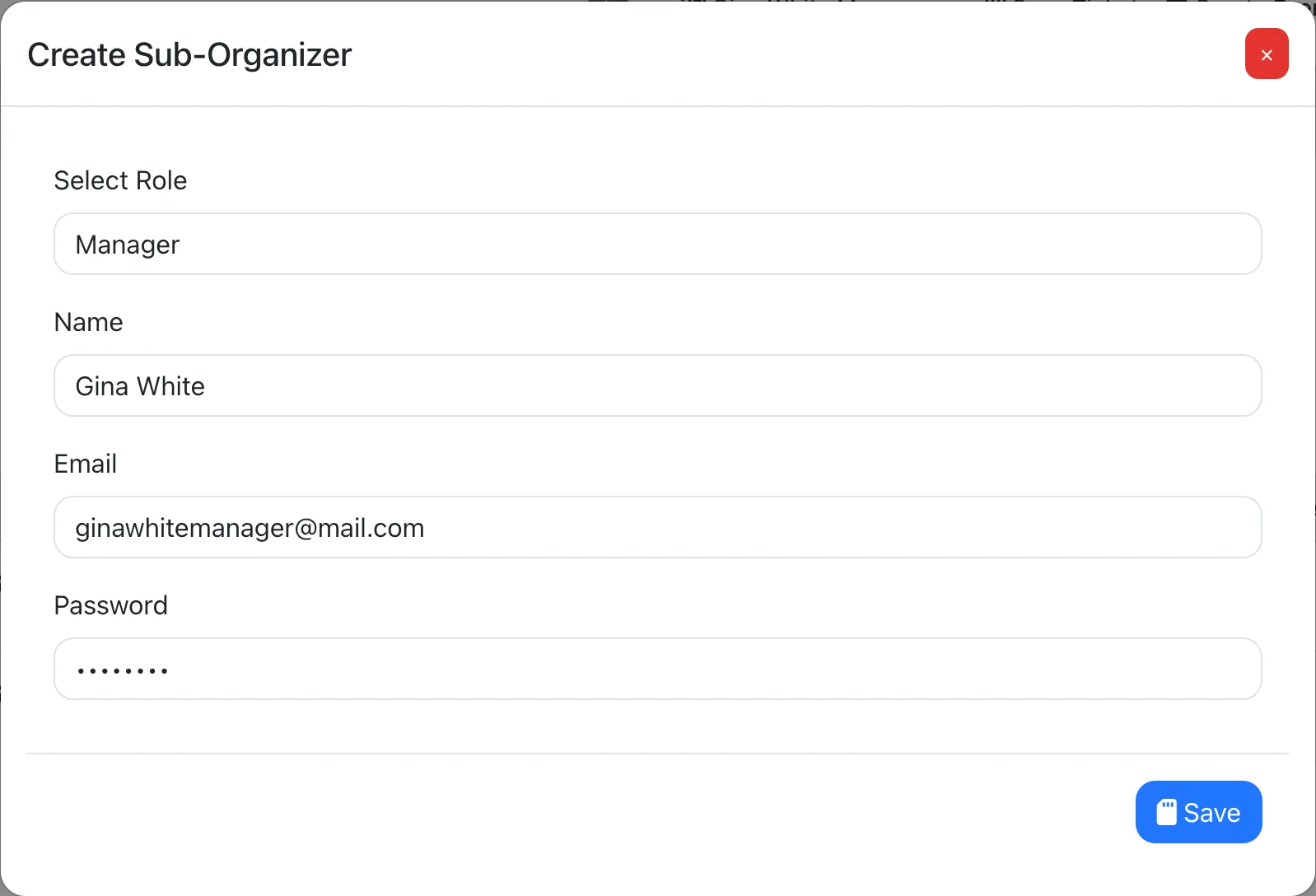
Organizers only need to create a Sub-Organizer with the Manager role—no need to assign them to specific events.
Managers can log in with their email and password and manage everything for the organizer.