{success} This Feature only available in Webworks Co FullyLoaded
Authorize.Net Payments for Webworks Co FullyLoaded
Why It Matters
Smooth payments lead to more ticket sales. With Authorize.Net, guests trust your checkout, organizers see fewer failed payments, and your team spends less time on payment follow‑ups. The result: higher conversion at checkout, happier guests, and a reliable booking experience for every event.
Turn on Authorize.Net to accept secure online payments in your Webworks Co FullyLoaded event management platform. Follow this guide to enable Authorize.Net, add your keys, and choose test or live mode.
To start, create a merchant account at Authorize.Net. After your account is ready, copy your Authorize.Net Login Id and Authorize.Net Transaction Key.
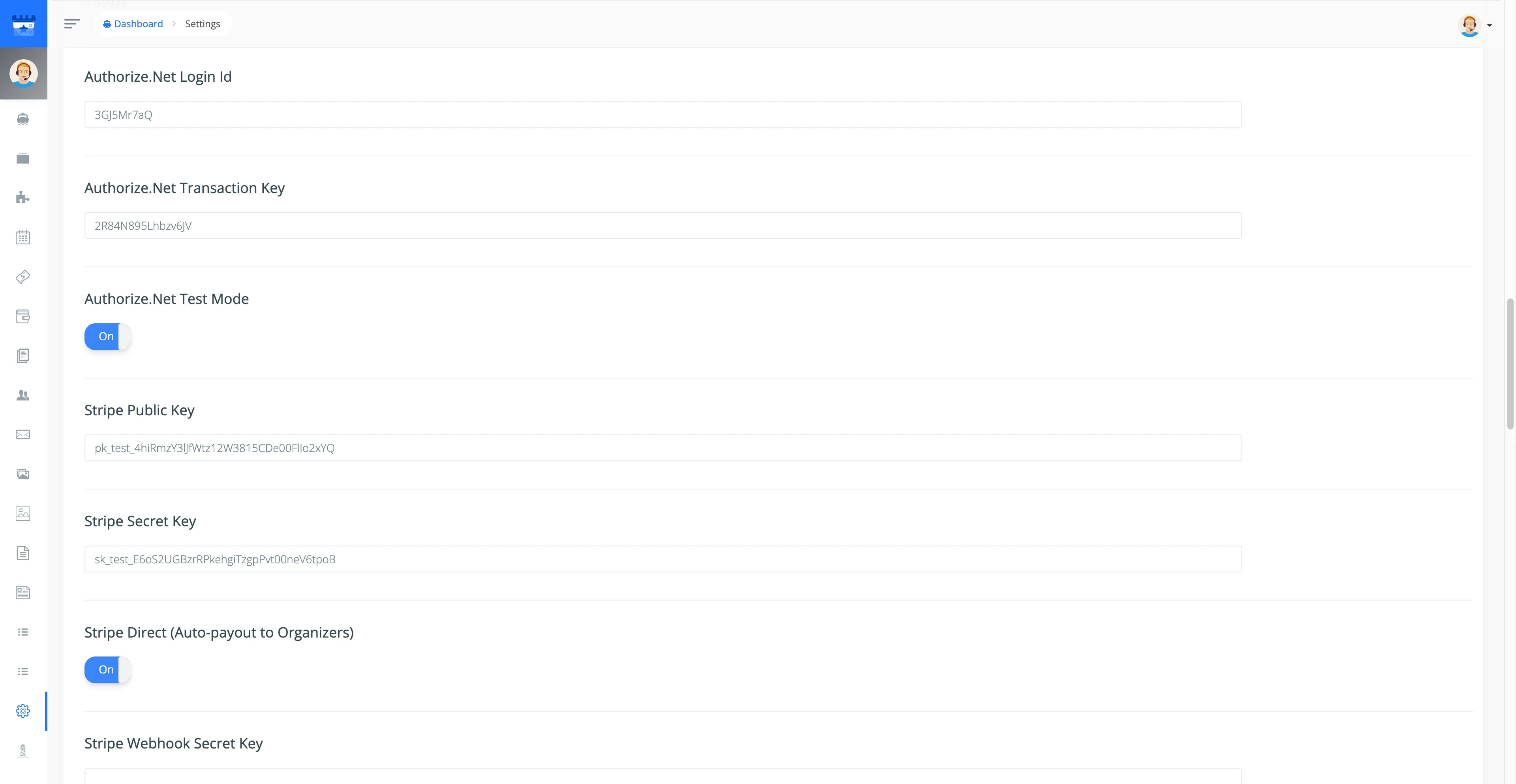
- Go to Admin Panel -> Settings -> Apps
- Enter your
Authorize.Net Login Id&Authorize.Net Transaction Keyand click Save Settings
You can use Authorize.Net Test Mode to try payments safely. Turn off Test Mode to accept real payments from customers.
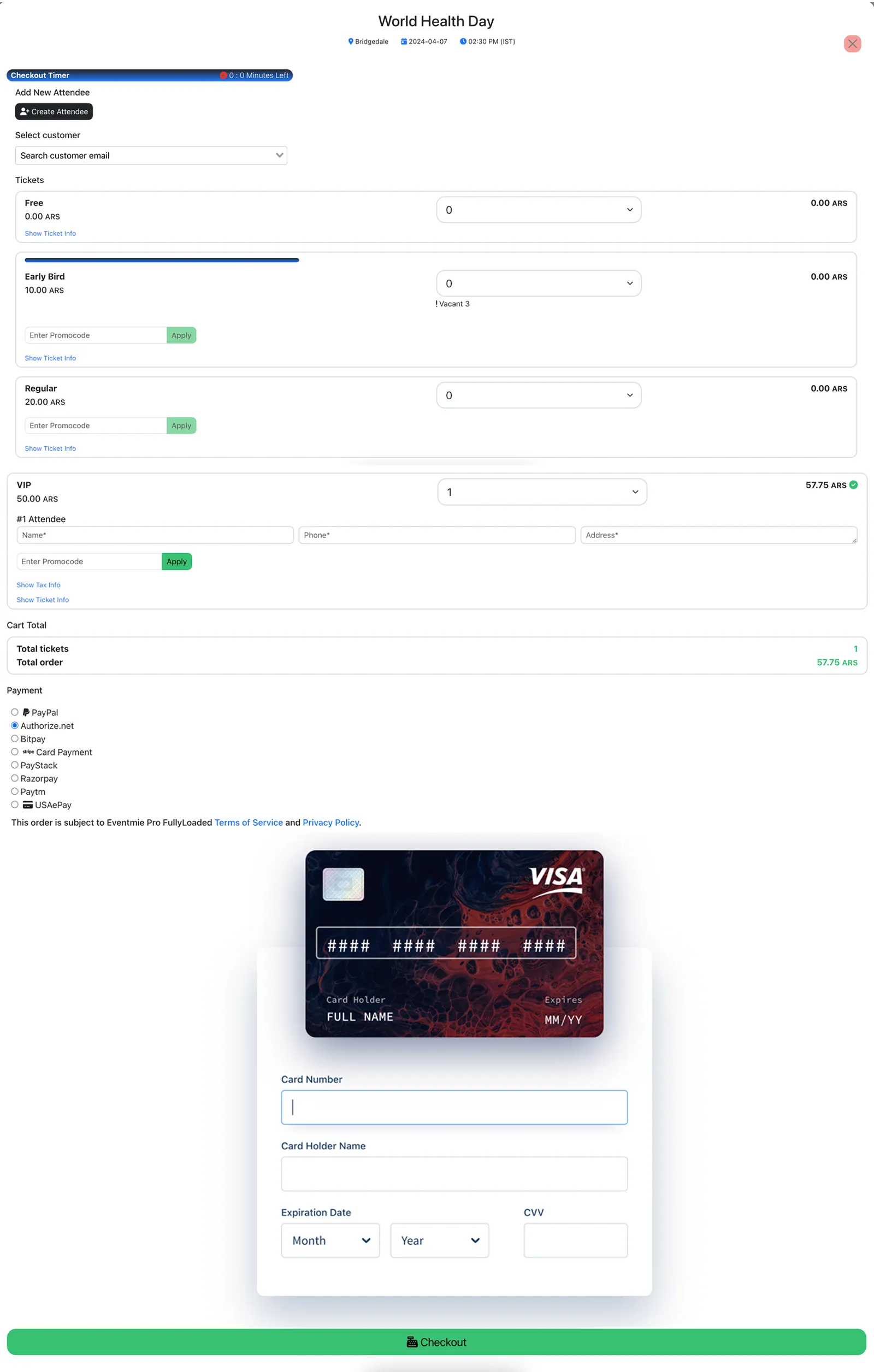
{primary} To disable Authorize.Net, simply remove the
Authorize.Net Login Id&Authorize.Net Transaction Keyfrom your settings.