{success} This Feature only available in Webworks Co FullyLoaded
Google Places Autocomplete & Directions Integration for Webworks Co FullyLoaded
Enable Google Places Autocomplete and Directions to streamline event venue location entry and provide attendees with instant directions in your Webworks Co FullyLoaded Laravel event management platform. This feature automates Google Map location search and auto-fills event venue details, improving accuracy and user experience.
Organizers can search for event venues or places while creating an event, eliminating the need to manually enter venue addresses or Google map latitude/longitude. Attendees can then get directions to the event venue from their current location with a single click from the event page.
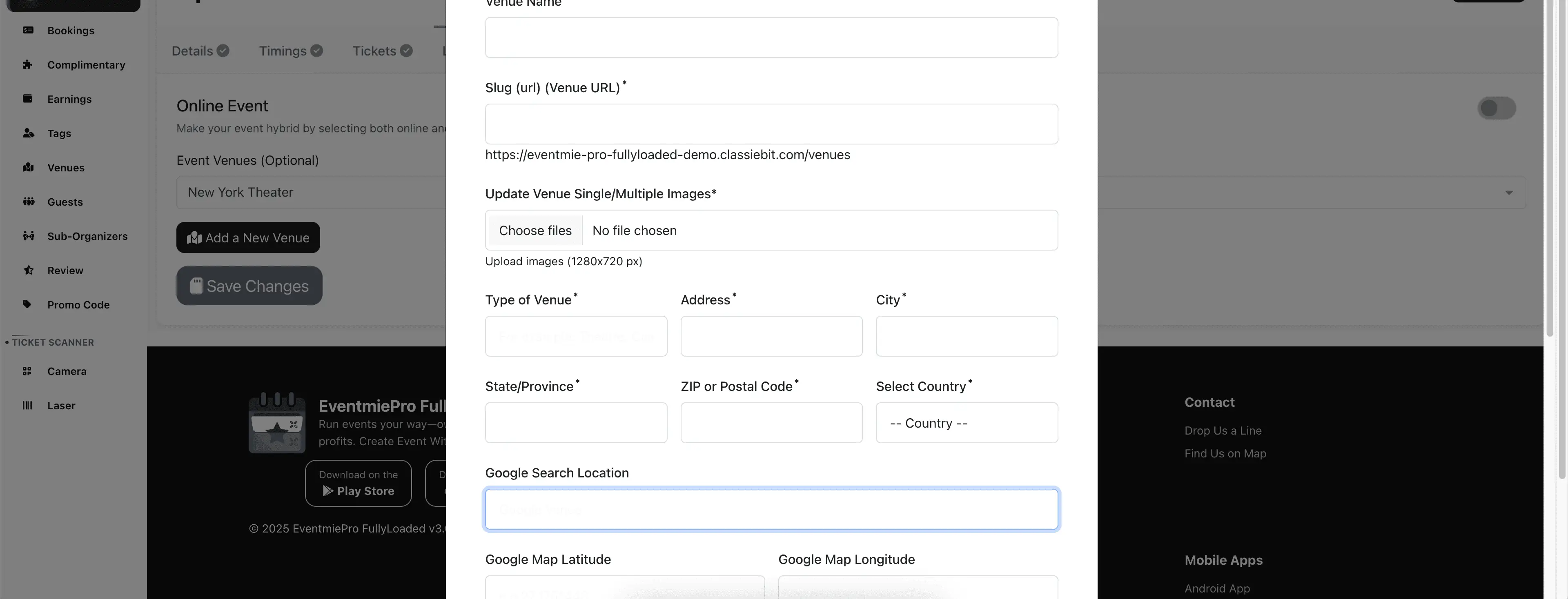
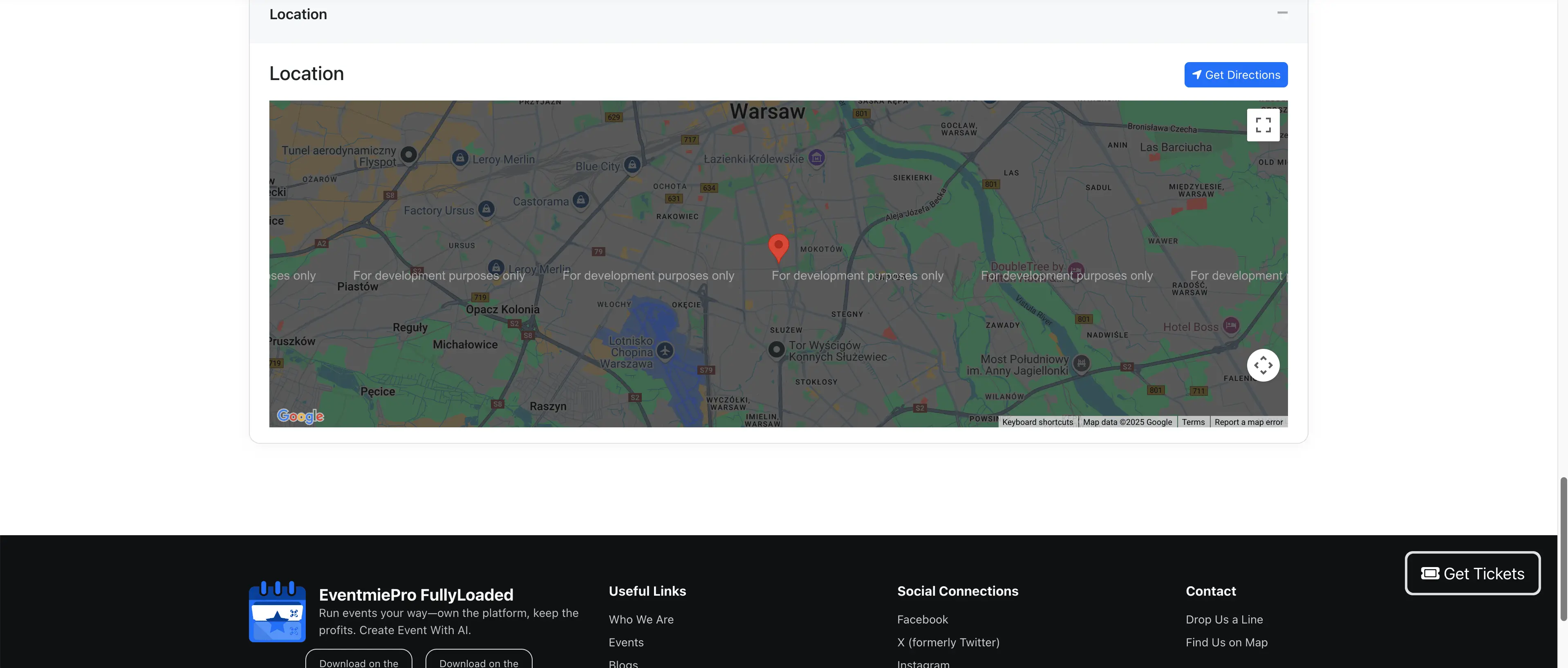
How to Enable Google Places Autocomplete & Directions
To enable this feature, first create a Google Developer Account at Google Developer Console.
After logging in to the Google Developer Console, follow these steps:
- Enter your billing information (Credit/Debit card) to activate Google Maps Platform services.

- Go to Google Maps Platform dashboard.
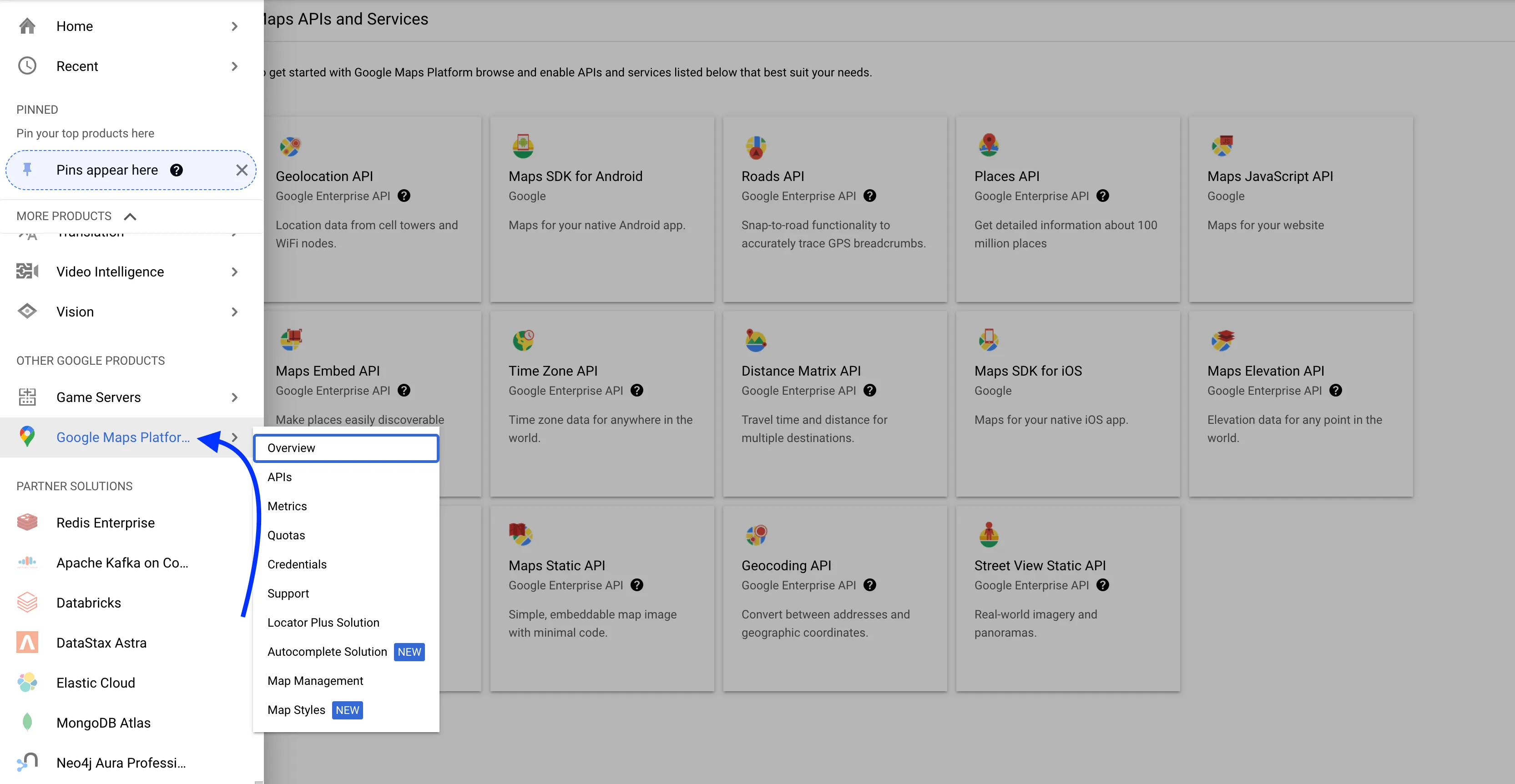
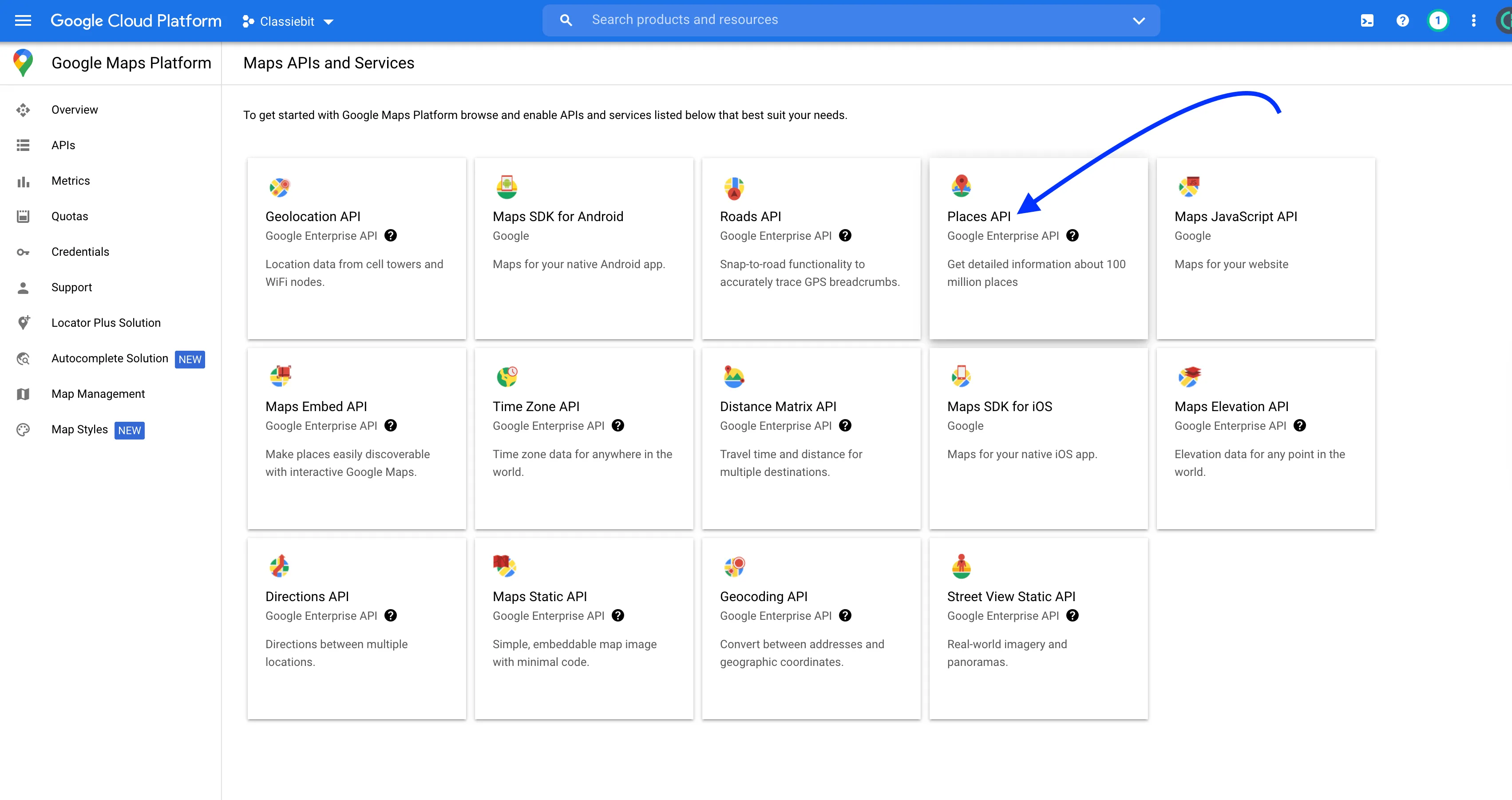
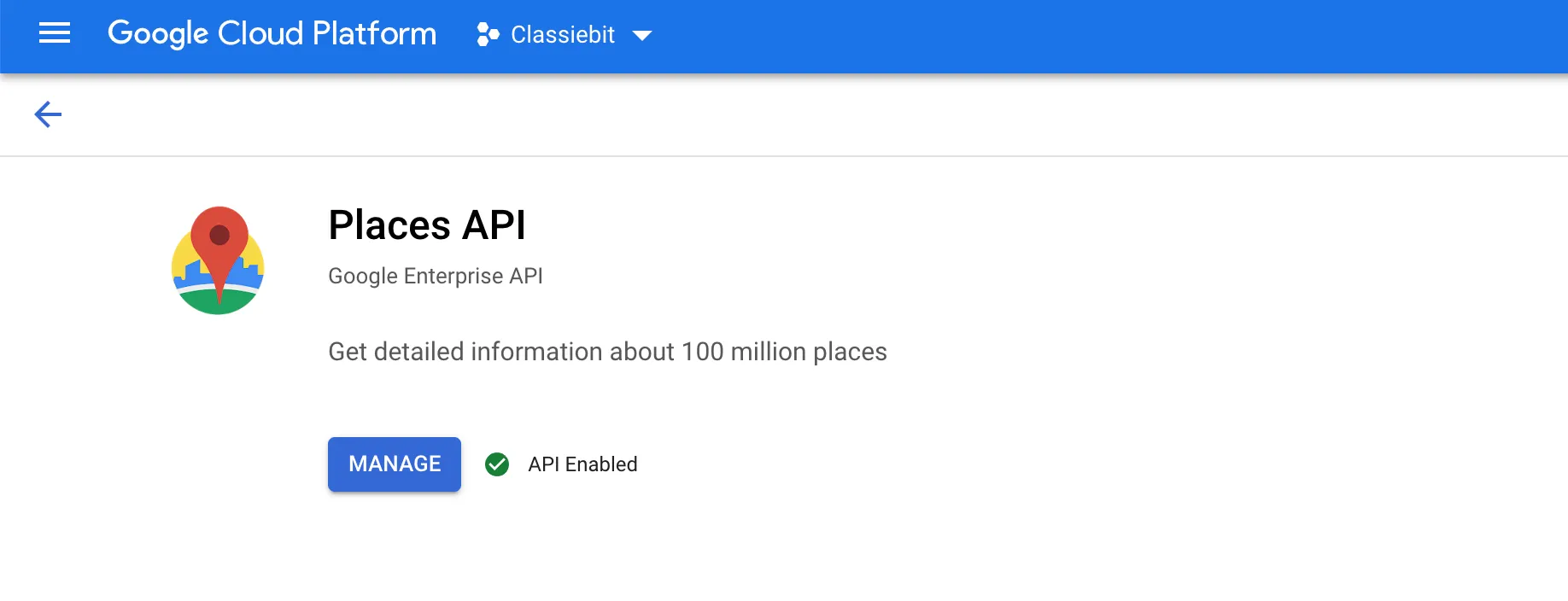
- Enable the Places API for your project.
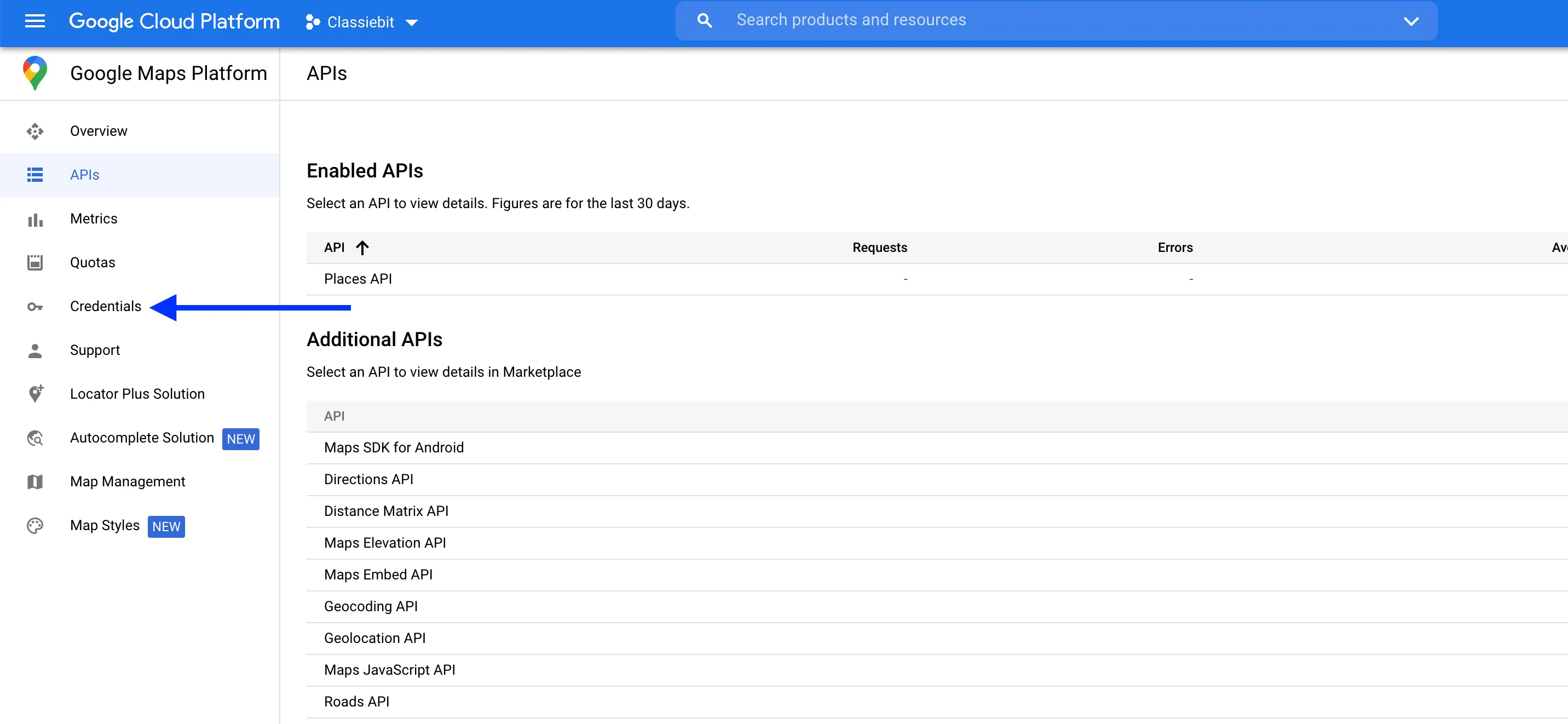
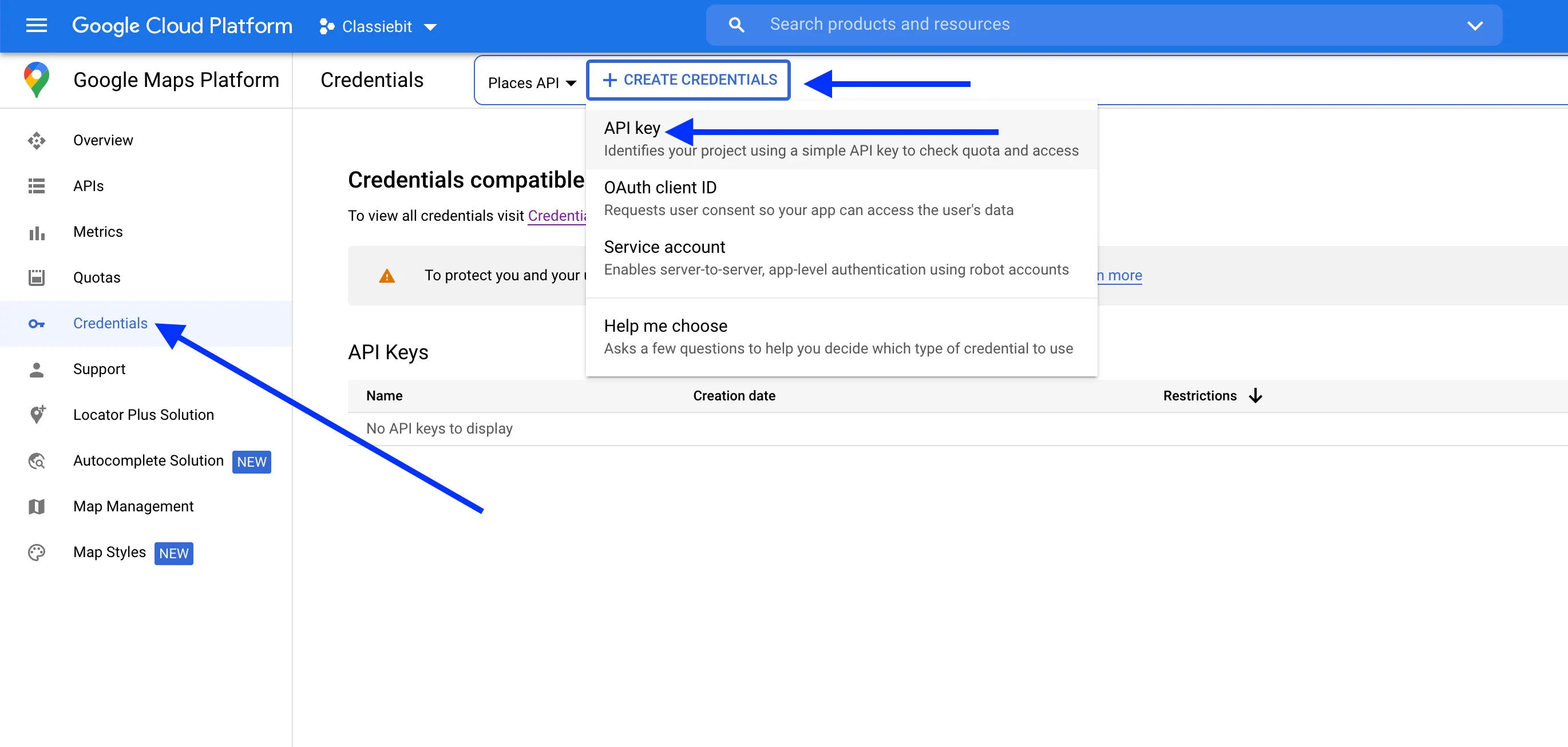
- Click on Credentials in the left menu, create API Keys, and copy your new API key.
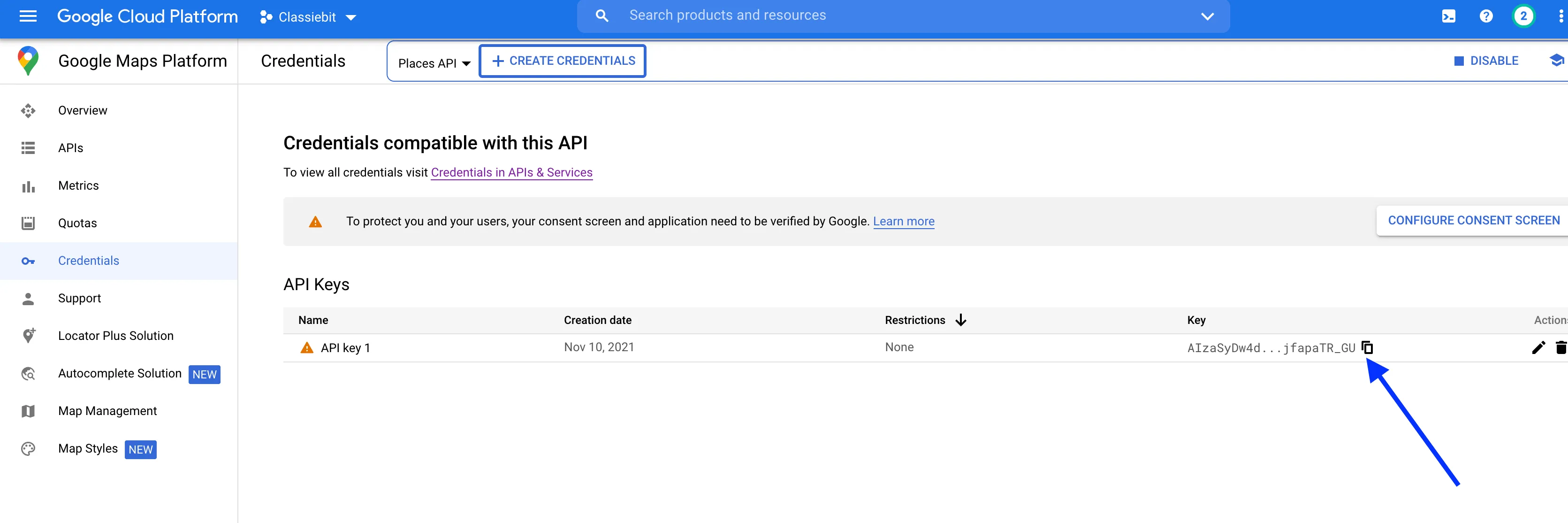
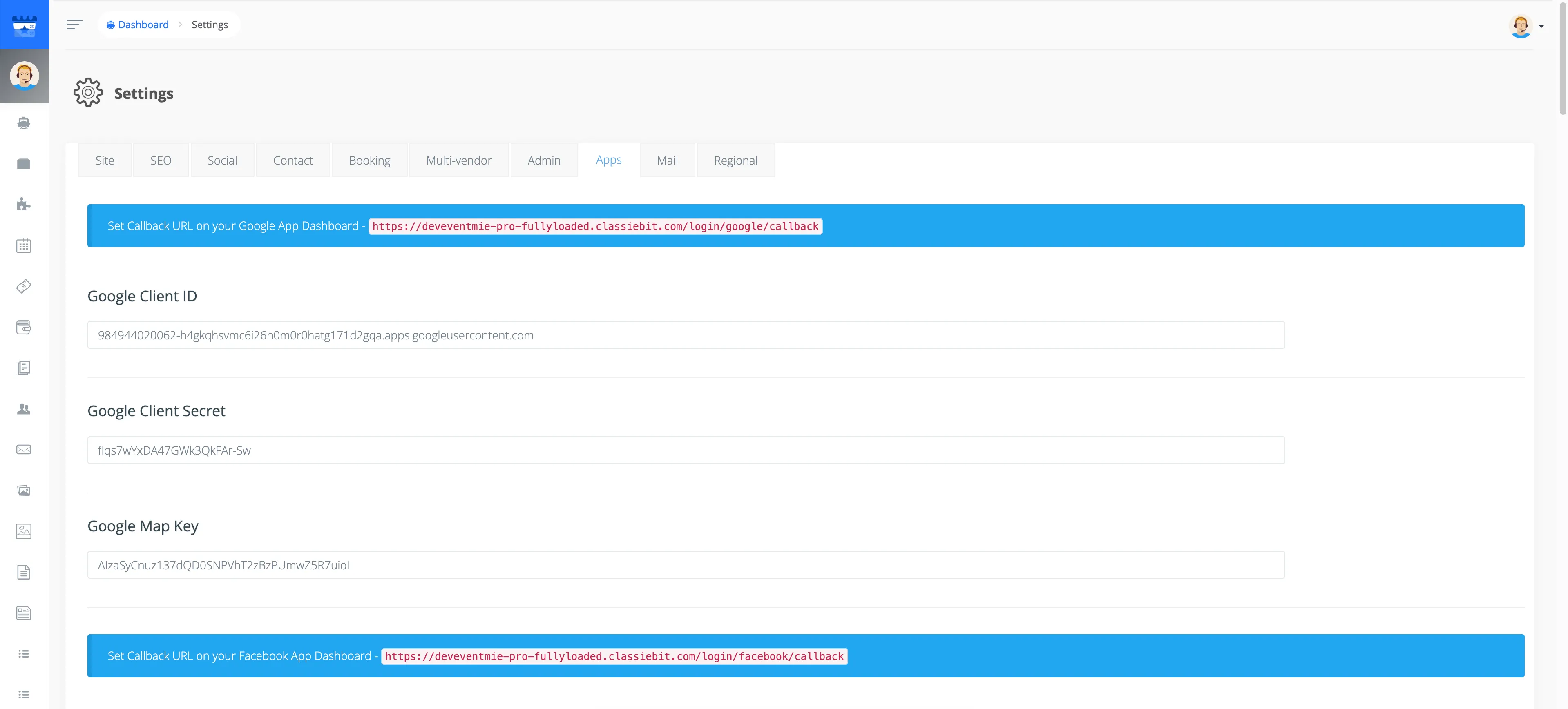
- Go to Admin Panel -> Settings -> Apps in your Webworks Co FullyLoaded website, paste the API Key into Google Map Key, and click Save Settings.