{success} This Feature only available in Webworks Co FullyLoaded
Complimentary Bookings (FullyLoaded)
Webworks Co FullyLoaded gives you advanced control over complimentary tickets—track, tag, and report on free entries for partners, sponsors, or VIPs.
- Distribute/Partner Tags:
- Assign complimentary tickets to specific partners or distributors
- Tag tickets for easy tracking and reporting
- Comprehensive Reporting:
- Monitor usage and redemption of complimentary tickets
- Export data for audits or partner reviews
- Flexible Distribution:
- Allocate tickets to sponsors, media, or VIPs with custom limits
How to Make Complimentary Bookings (Admin)
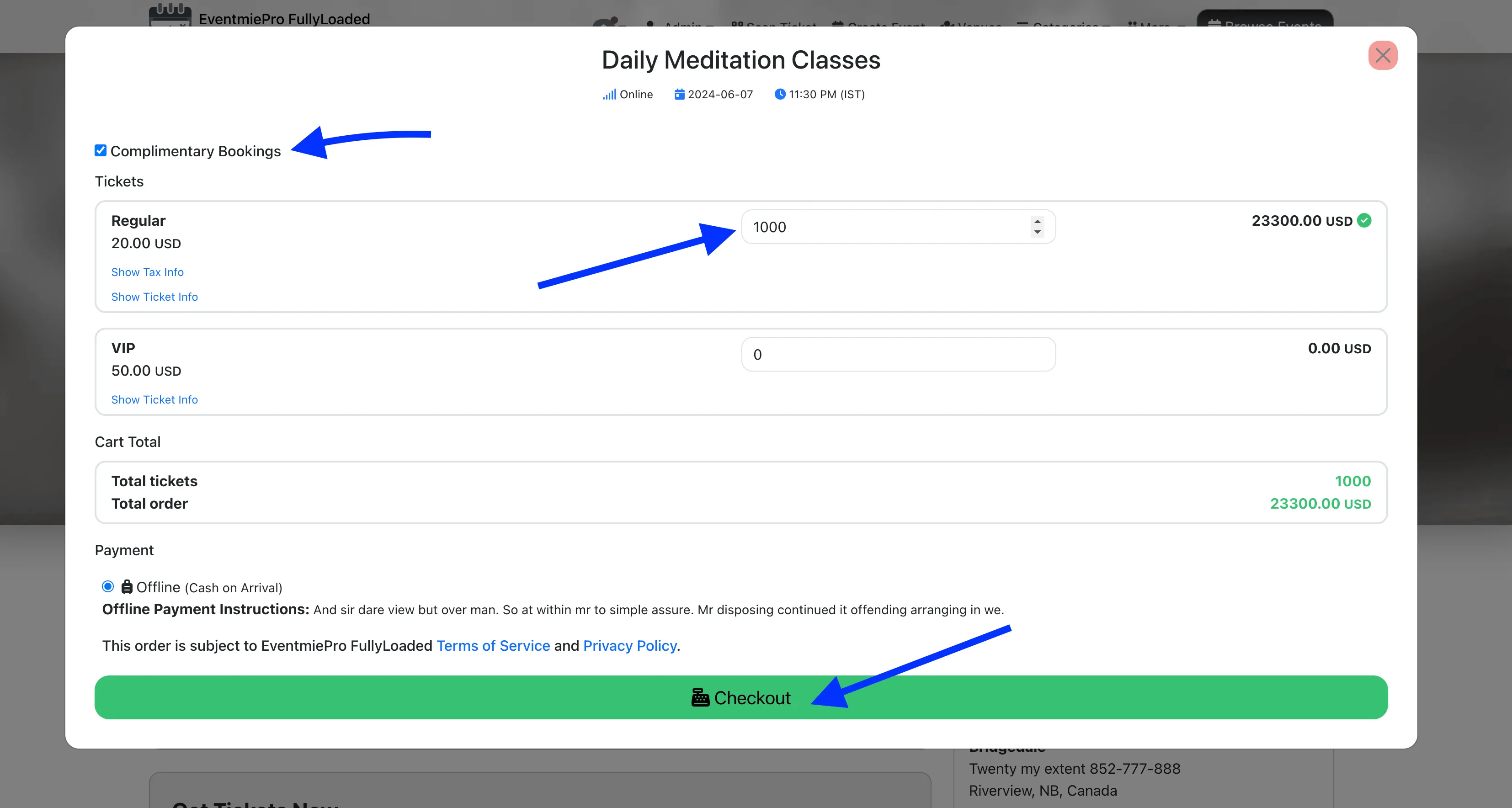
- Login as Admin and go to Checkout.
- Check the Complimentary Bookings checkbox.
- Set the desired ticket quantity (e.g. 1000 tickets).
- Ticket availability checks are disabled for complimentary bookings, so these tickets do not affect existing bookings or available ticket stock—they are for external use only.
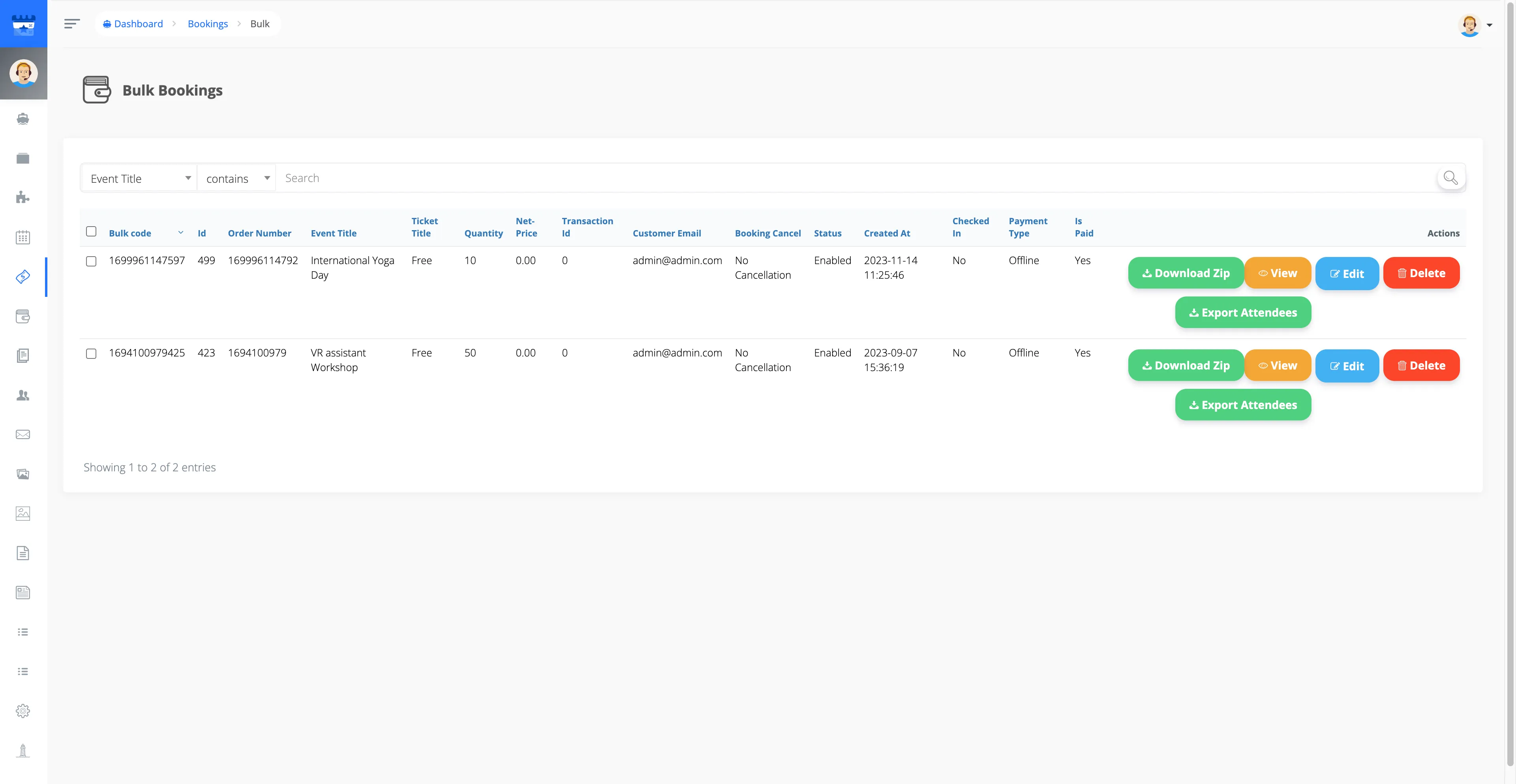
- After making complimentary bookings, go to Admin Panel -> Complimentary Bookings page.
- Each complimentary booking is assigned a unique Bulk Code.
- Download all complimentary booking QR codes in a Zip file by clicking Download Zip.
- Export the attendee list as a CSV file for easy management.