{success} This Feature only available in Webworks Co FullyLoaded
Mailchimp Integration (FullyLoaded)
Webworks Co FullyLoaded offers seamless Mailchimp integration—automate your email marketing, sync attendee data, and boost engagement with targeted campaigns.
- Automated Email Campaigns:
- Sync event attendees to Mailchimp lists in real time
- Trigger automated welcome, reminder, and follow-up emails
- Segmentation & Personalization:
- Segment your audience by event, ticket type, or custom fields
- Personalize content for higher open and click rates
- Analytics & Reporting:
- Track campaign performance, opens, clicks, and conversions
- Optimize future campaigns with actionable insights
- Use Cases:
- Promote upcoming events to past attendees
- Send targeted offers to VIPs or group buyers
- Automate reminders and post-event surveys
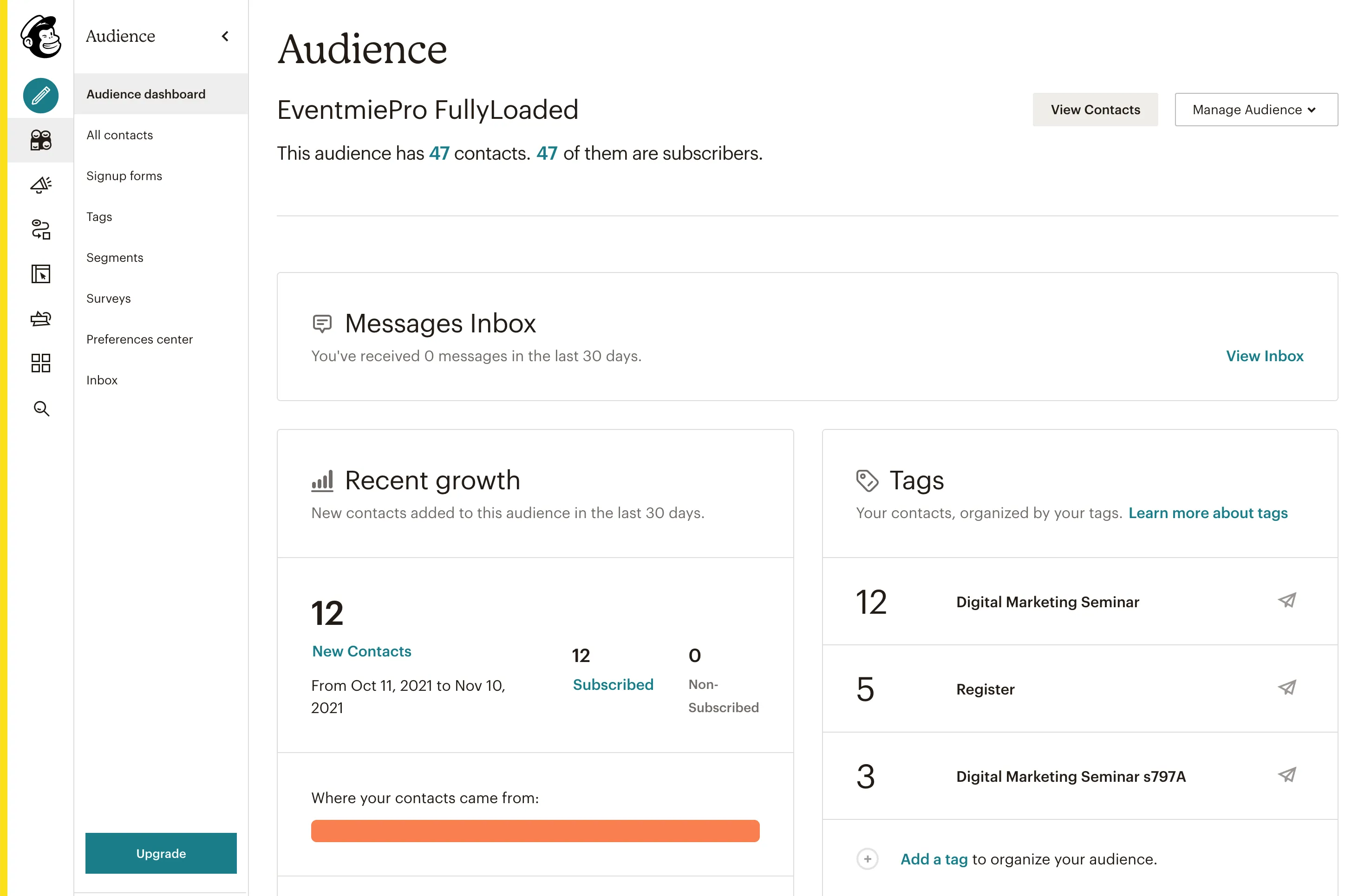
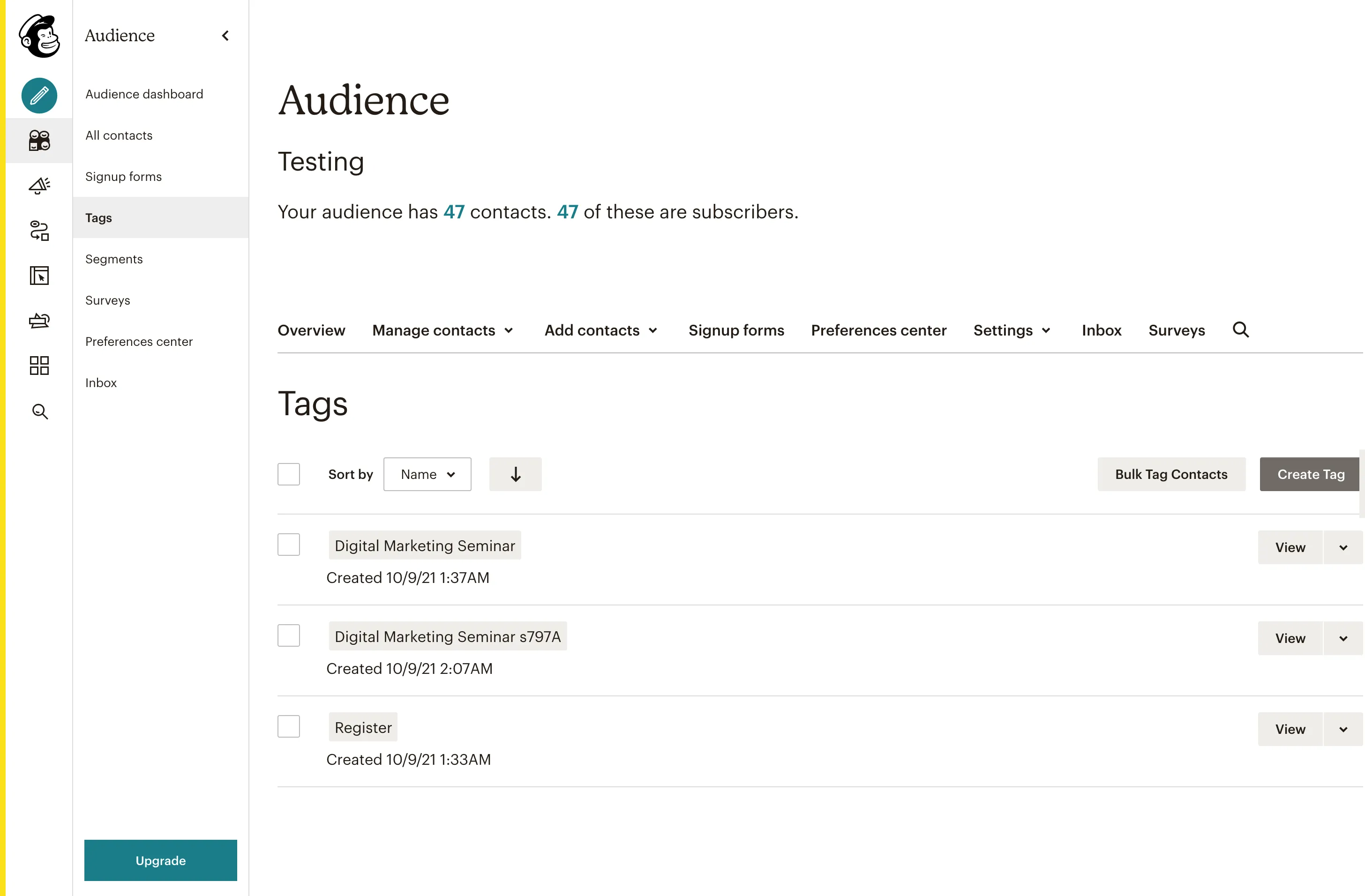
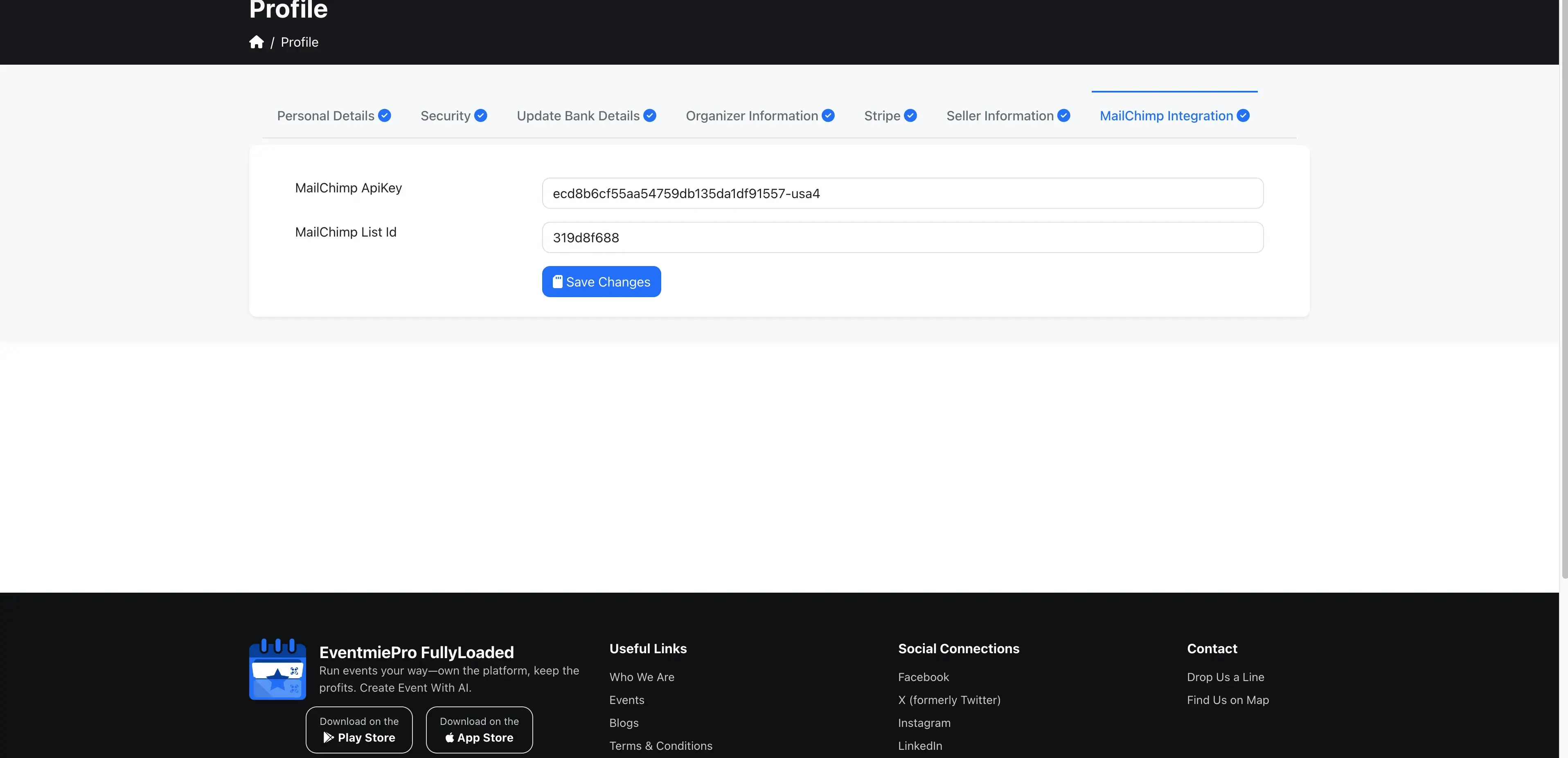
To enable MailChimp integration, organizers first need to create a MailChimp Account at MailChimp. After setting up the account, copy your MailChimp ApiKey and MailChimp List Id.
After obtaining your API credentials, follow these steps:
- Login as Organizer and go to Profile
- Enter your
MailChimp ApiKey&MailChimp List Idand click Save Profile