Dark & Light Mode
Webworks Co Fullyloaded now offers a modern and user-friendly Dark & Light Mode feature that enhances your event management experience. This latest update allows users to customize their interface based on their preference, providing better accessibility and reducing eye strain during extended usage sessions.
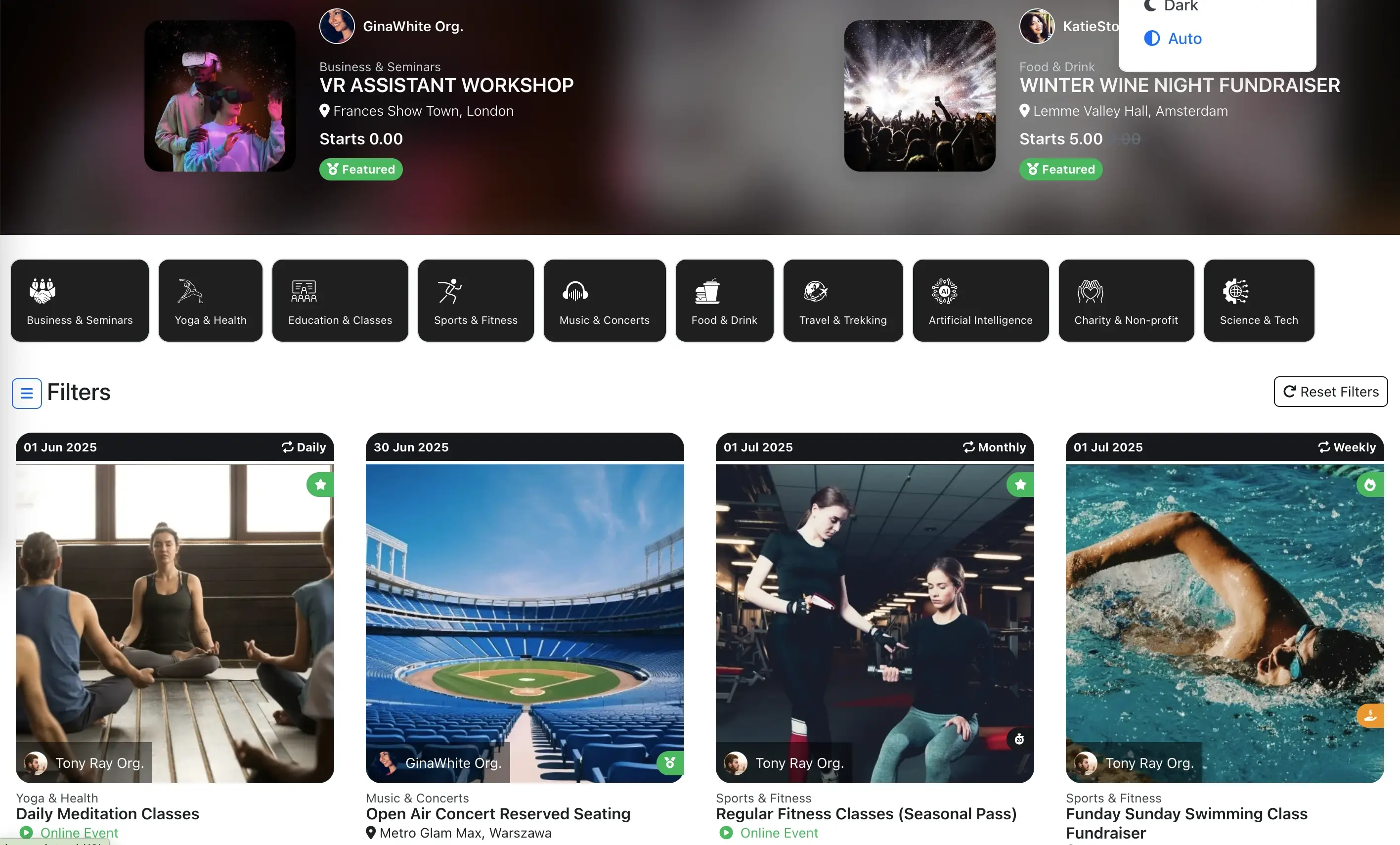
The Dark & Light Mode toggle seamlessly switches between two distinct visual themes, ensuring optimal viewing comfort regardless of your working environment or time of day. Whether you're managing events during bright daylight hours or working late into the evening, our adaptive interface ensures you always have the perfect viewing experience.
{success} The Dark & Light Mode feature is available across all Webworks Co modules, providing a consistent experience throughout the platform.
{primary} This feature automatically remembers your preference and applies it across all devices and sessions for a personalized experience.
Enable Dark & Light Mode
The Dark & Light Mode toggle is conveniently located in the top navigation bar of Webworks Co . This feature is accessible to all users and can be switched at any time without affecting your current work or data.
- Look for the Theme Toggle button in the top-right corner of your dashboard
- Click on the toggle to switch between Dark and Light modes
- The change is applied instantly across all pages and modules
-
Your preference is automatically saved for future sessions
Dark Mode Benefits
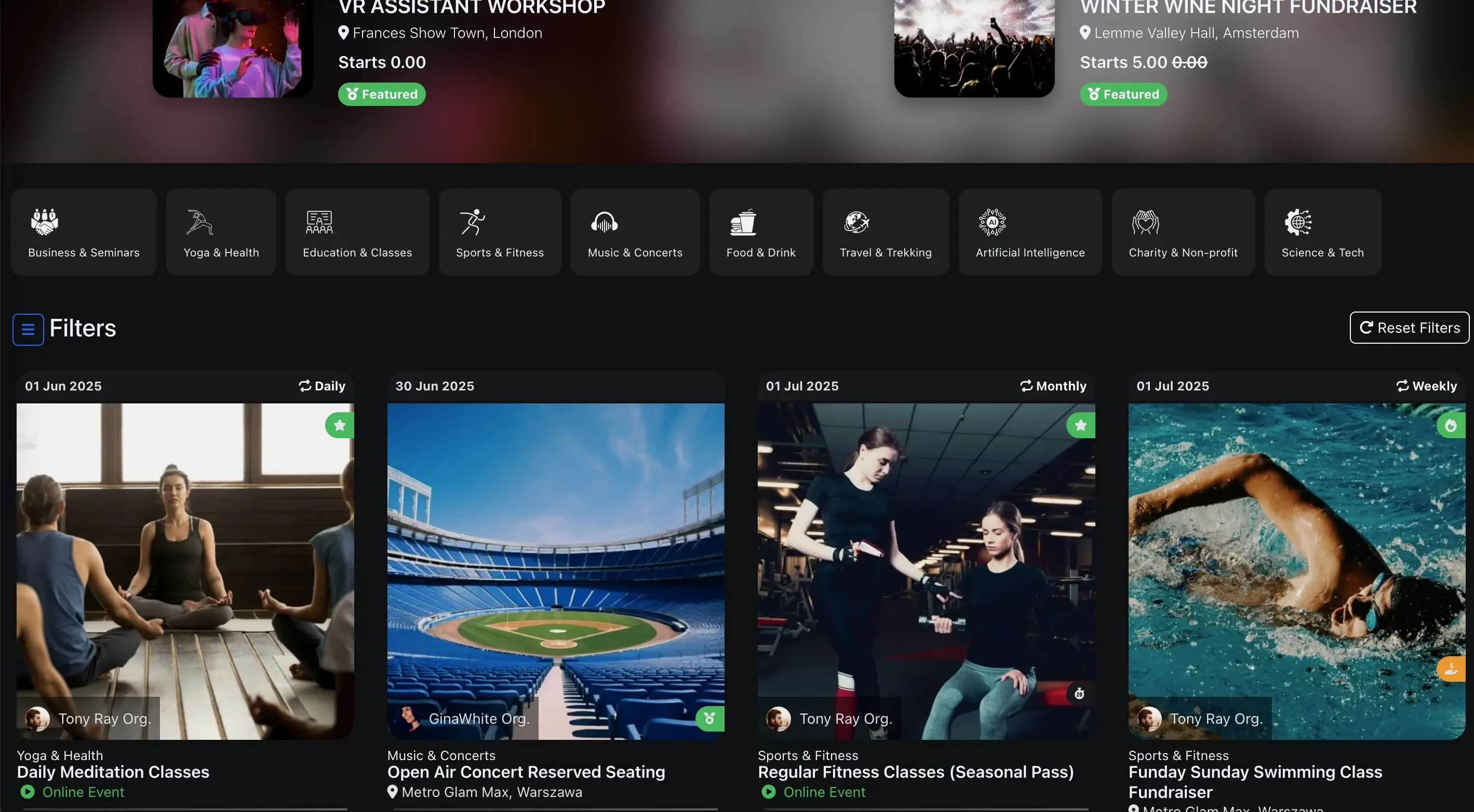
Dark Mode provides a sleek, modern interface that's perfect for low-light environments and extended usage sessions:
- Reduced Eye Strain: Dark backgrounds minimize eye fatigue during long working hours
- Better Focus: High contrast elements help maintain concentration on important tasks
- Modern Aesthetics: Professional appearance that's easy on the eyes
- Battery Efficiency: For mobile devices, dark mode can help conserve battery life
- Late-Night Comfort: Ideal for evening event management sessions
Light Mode Benefits
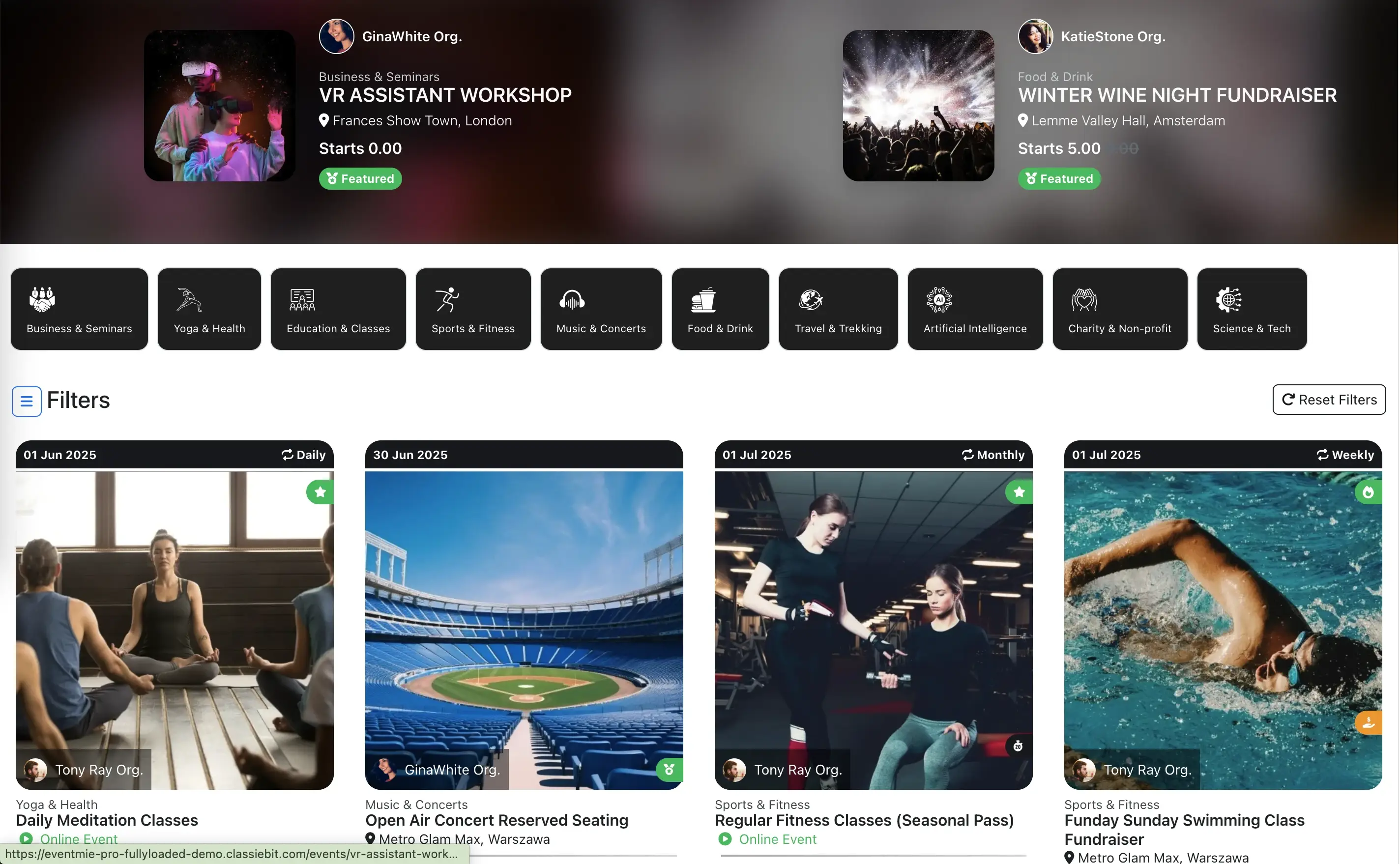
Light Mode offers a clean, traditional interface that's perfect for well-lit environments:
- Classic Design: Familiar interface that many users prefer
- High Readability: Excellent contrast for detailed event information
- Professional Appearance: Traditional business software aesthetic
- Daytime Optimization: Perfect for bright office environments
- Accessibility: Better visibility for users with certain visual preferences
Automatic Preference Saving
Webworks Co automatically remembers your Dark & Light Mode preference:
- Cross-Device Sync: Your theme choice is synchronized across all your devices
- Session Persistence: Your preference is maintained even after logging out and back in
- Browser Memory: The setting is stored locally for instant loading
- No Configuration Required: Set once and enjoy consistent theming everywhere
{success} The Dark & Light Mode feature enhances accessibility and user experience while maintaining all the powerful event management capabilities you've come to expect from Webworks Co .
{primary} Switch between themes anytime to find the perfect visual environment for your event management workflow.