{success} This Feature only available in Webworks Co FullyLoaded
Private Events (FullyLoaded)
Webworks Co FullyLoaded gives you full control over event privacy—enabling invite-only access, password protection, and hidden event listings for exclusive experiences.
- Invite-Only Access:
- Restrict event registration to invited guests
- Send unique invitation links or codes
- Password Protection:
- Require a password to view or register for the event
- Hidden Listings:
- Exclude private events from public event listings and search
- Flexible Privacy Controls:
- Combine privacy options for maximum security
How to Set Up a Private or Password Protected Event
Both Admin and Organizer can set an event as private.
-
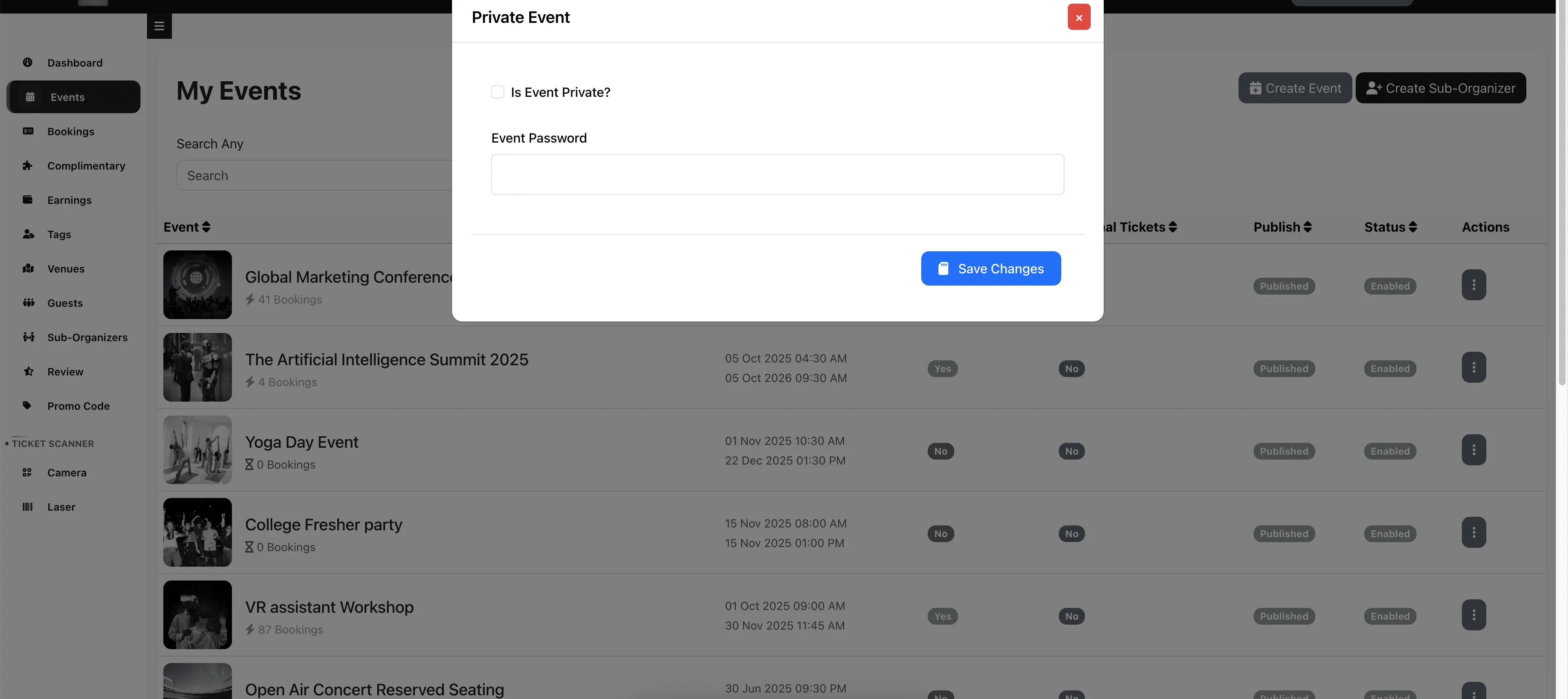
As Admin, go to Admin Panel -> Events and click the More button. As Organizer, visit the Manage Events page.
-
Click Private Event.
-
Check or uncheck "Is Private" to switch between private and public event.
-
Set a password to make the private event password protected for extra security.

-
A lock icon will appear on private events for easy identification.
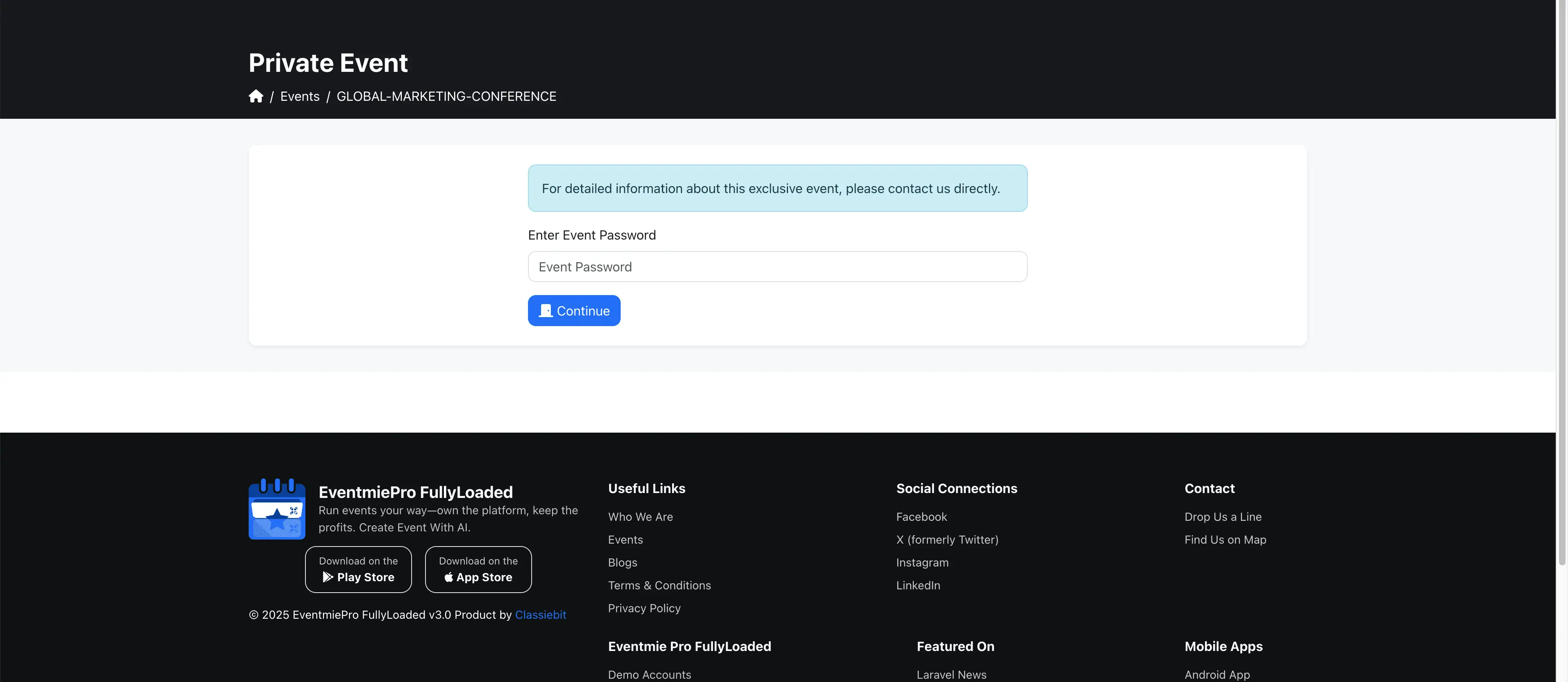
{primary} The system remembers users who enter the password for a few hours, so they don't need to re-enter the password to access the private event during that period.
How to Access a Private Event
To access a private event, use the unique Event URL. If the event is password protected, you must enter the password to view the event page.