{success} This Feature only available in Webworks Co FullyLoaded
YouTube & Vimeo Video Embedding (FullyLoaded)
Webworks Co FullyLoaded lets you seamlessly embed YouTube and Vimeo videos—live or on-demand—directly into your event pages, boosting engagement and delivering a premium attendee experience.
- Live & On-Demand Video:
- Embed live streams or pre-recorded videos from YouTube or Vimeo
- Perfect for hybrid, virtual, or content-rich events
- Event Page Integration:
- Display videos on event detail pages, ticketing flows, or attendee dashboards
- Attendee Engagement:
- Enhance presentations, workshops, and performances with video content
- Increase time-on-page and attendee satisfaction
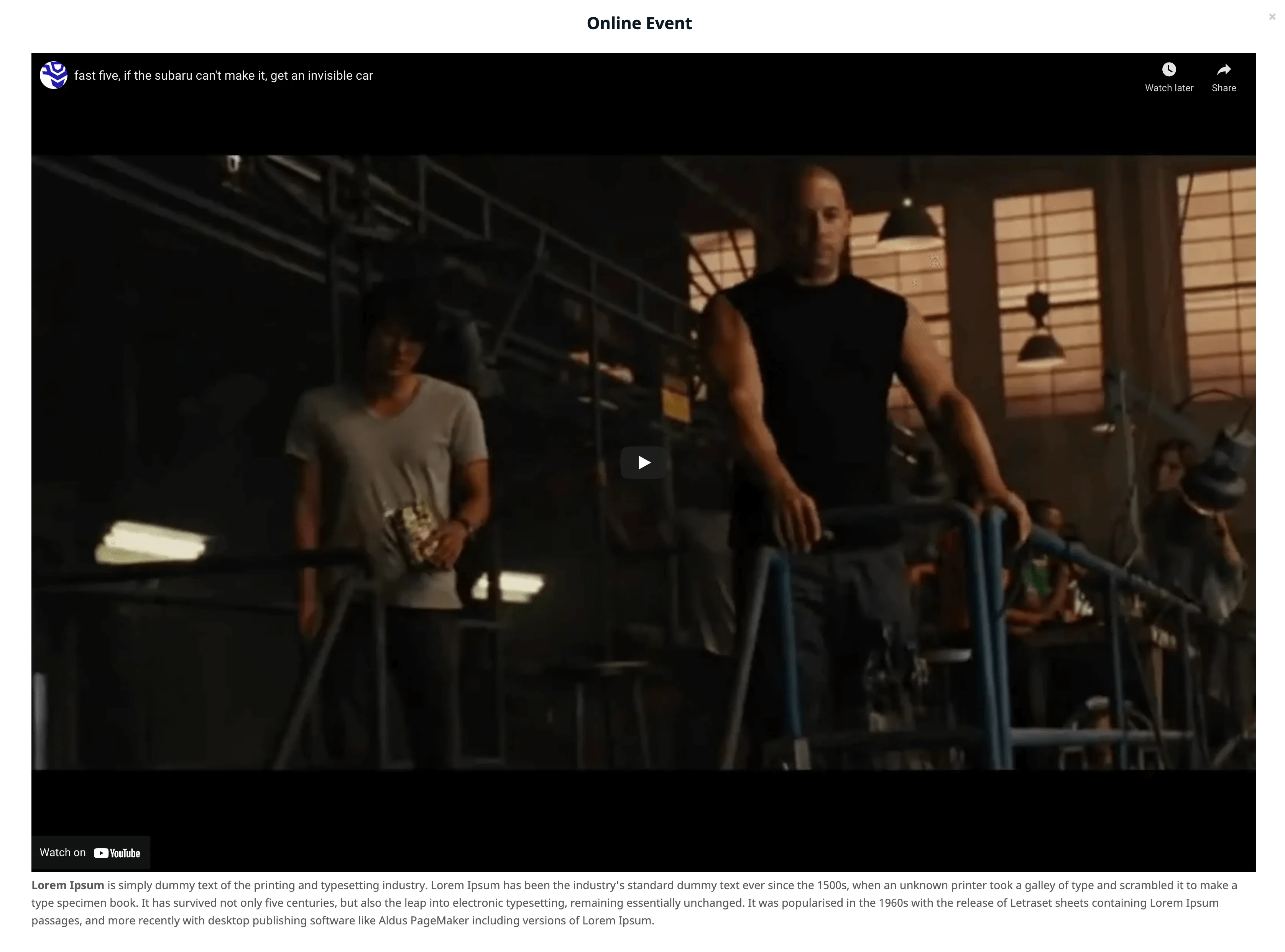
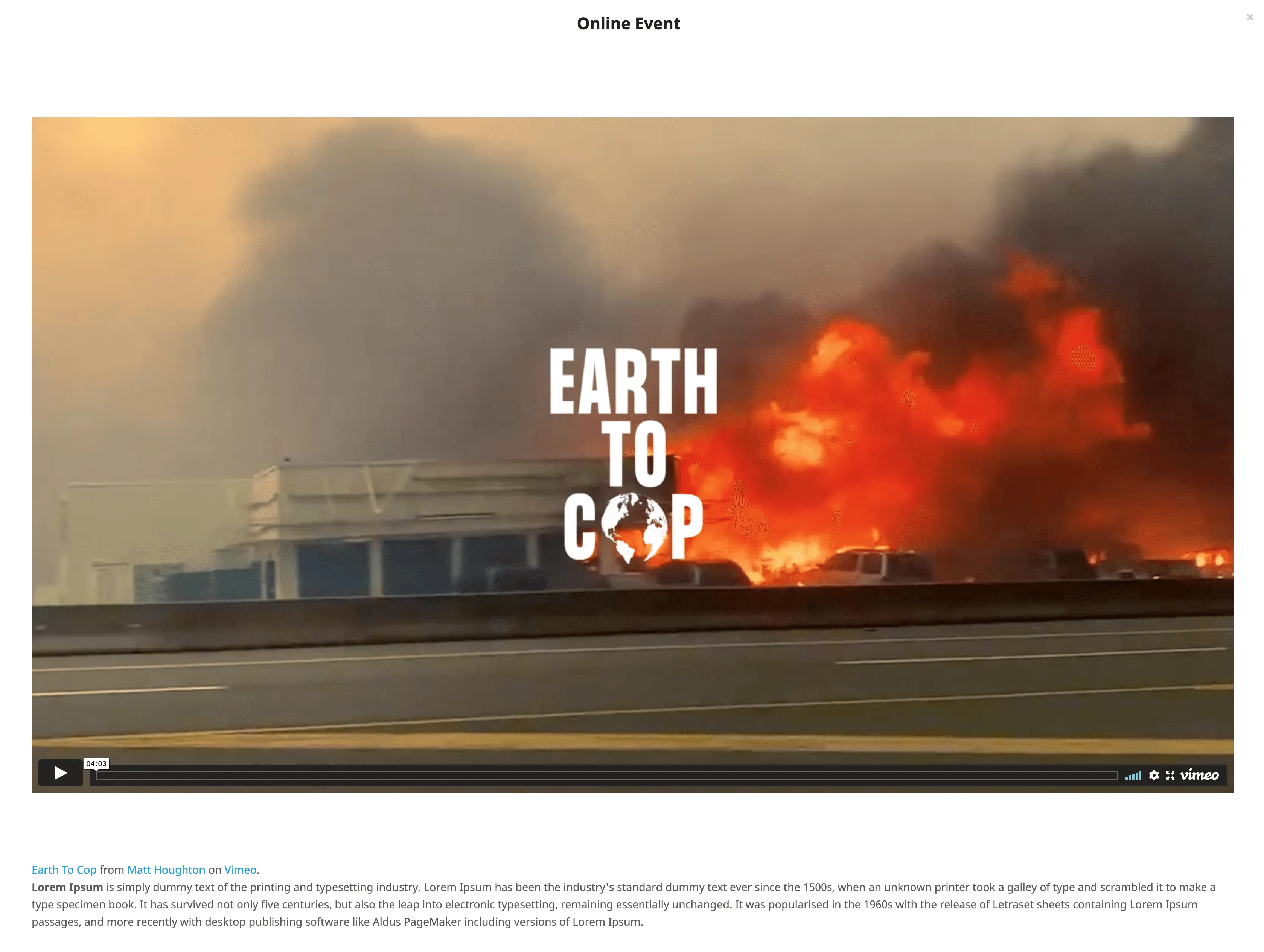
You can enter YouTube or Vimeo private or public video embed codes while setting up your online event. Attendees can then watch the video directly from their bookings page, keeping them engaged on your platform.
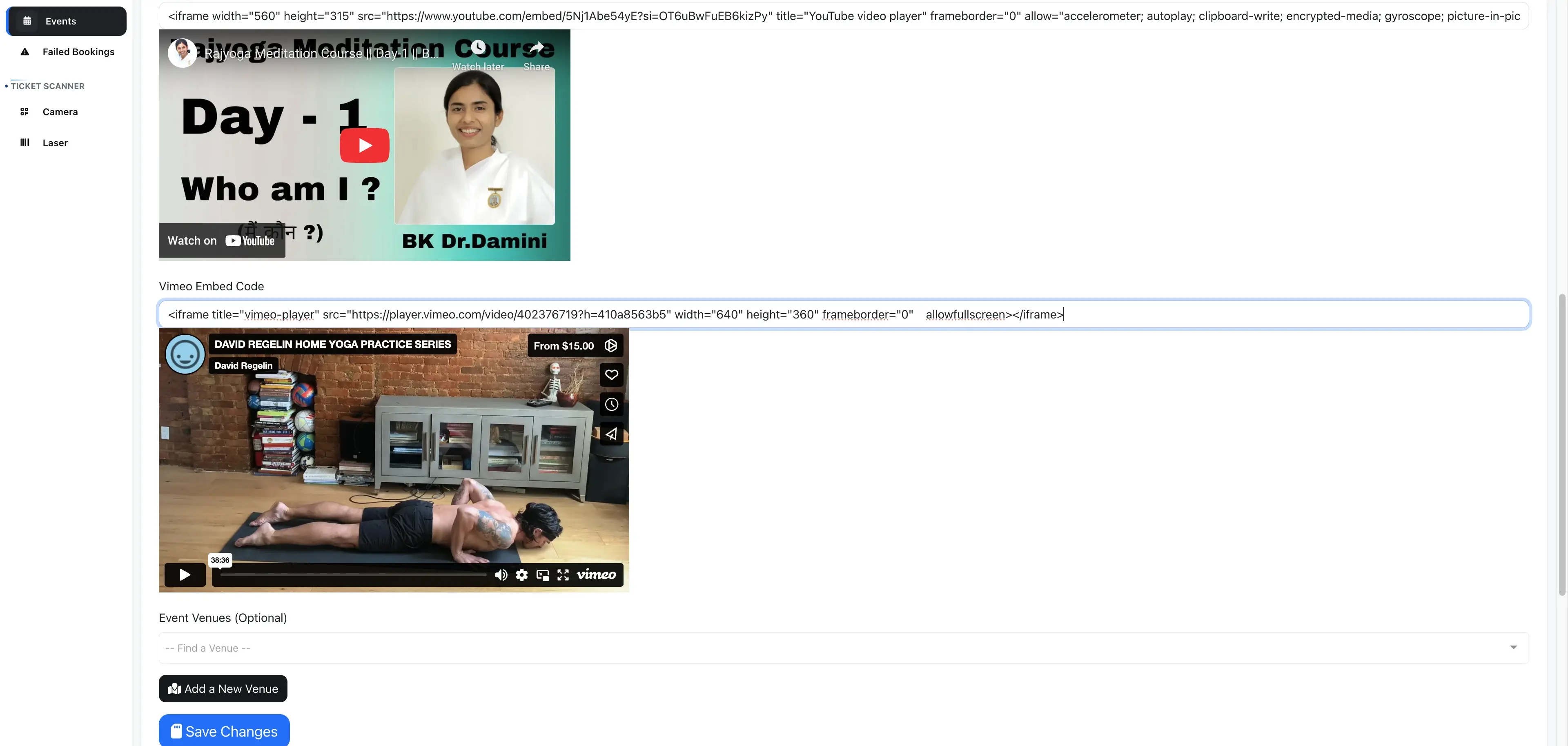
- Go to Event Edit Page -> Location Tab.
- Enter the
YouTube Embed Codeand/orVimeo Embed Codeand click Save
You can enter both YouTube and Vimeo embed codes at the same time, or just one, depending on your event needs.
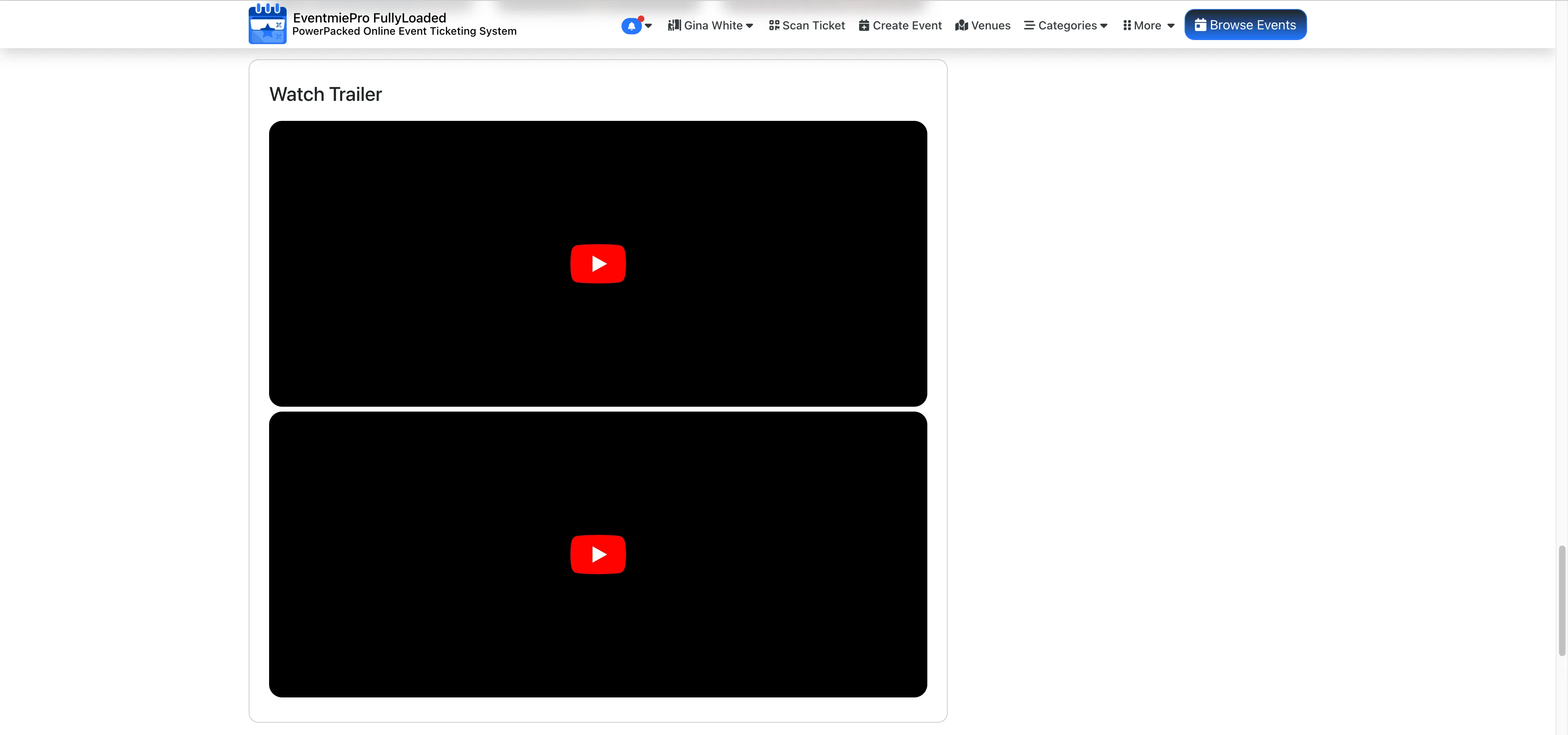
Add More YouTube Videos for Event Promos & Trailers
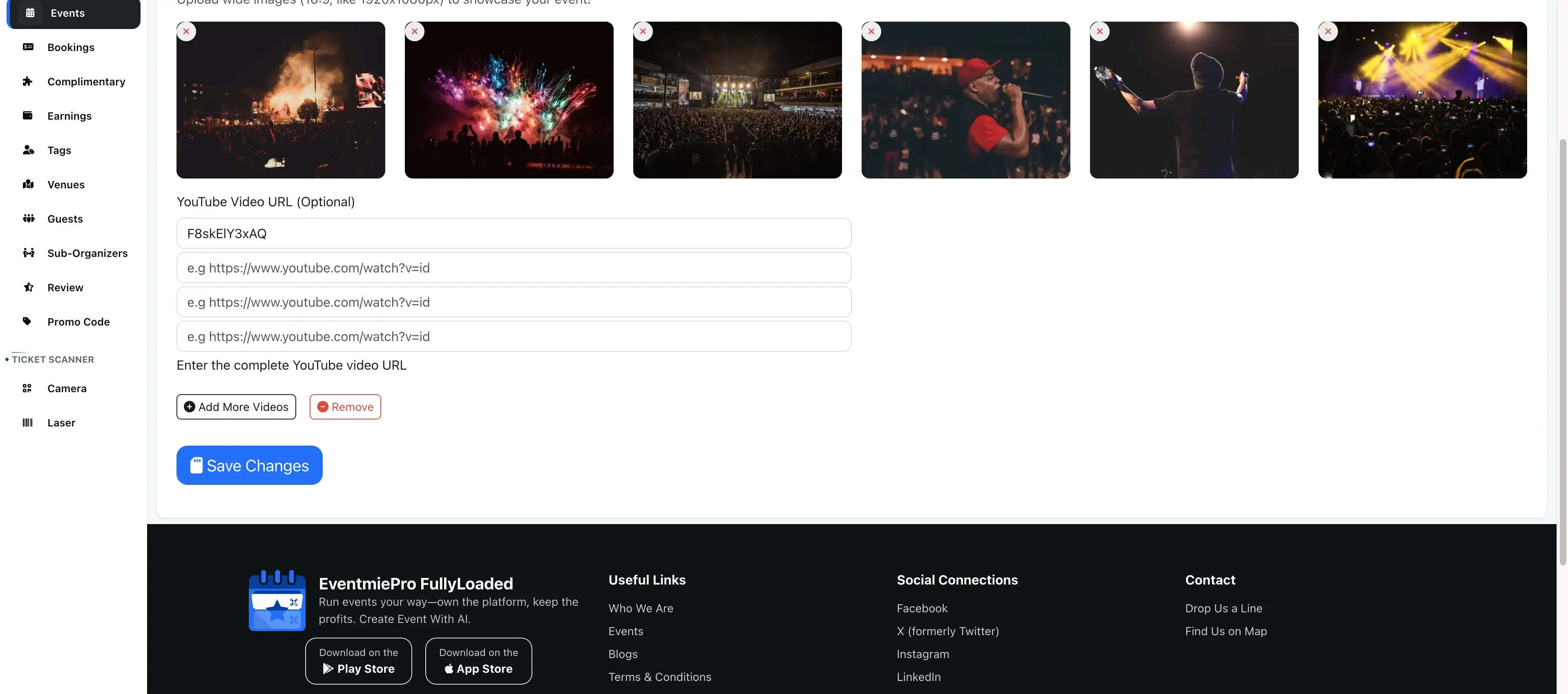
You can also add multiple YouTube videos as event promos or trailers to showcase on your event page and attract more visitors.
-
Go to Event Edit Page -> Media Tab -> YouTube Video URL and add multiple YouTube video IDs.
-
These videos will be displayed on the Event page for visitors to watch.